Need help?
Do you have a question about the INSTEON Connected Kit and is the answer not in the manual?
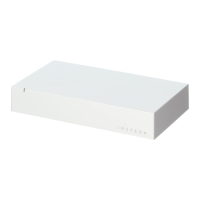
Details the INSTEON Hub's Status LED, Factory Reset, Power, and Ethernet Port for setup.
Connect the Hub to your internet router and power using provided cables, avoiding power strips.
Download and install the latest INSTEON for Hub App from your device's app store.
Connect your device to the Hub's network and create a new account within the INSTEON app.
Add your INSTEON devices by following the on-screen instructions provided in the app.
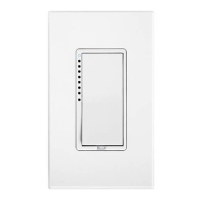
Details the Status LED, buttons, and load capacity of the Dimmer Module.
Describes the Set Button, Status LED, Magnet, and battery for the Open/Close Sensor.
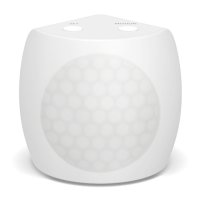
Details the Status LED, mounting, settings, battery, and Set Button of the Motion Sensor.
Outlines the Set Button, Status LED, water contacts, and battery for the Leak Sensor.
Explains Temperature Adjust, Mode selection, Status LED, and Set Button for the Thermostat.
Covers camera sensors, audio, speaker, Ethernet, antenna, and power connection.
 General
| Voltage Rating | 120V AC |
|---|---|
| Control Method | App, Voice (via compatible hub), Manual |
| Wireless Protocol | INSTEON |
| Dimensions | Switch: Standard Decora Size |
| Installation | Wired |
| Compatibility | INSTEON ecosystem, some limited integration with other platforms |


 To Next Page