Need help?
Do you have a question about the INSTEON ON/Off Switch and is the answer not in the manual?
Remove the old switch and disconnect wires. Contact support if neutral wires are missing.
Turn on power, identify line and load wires using a voltage detector.
Turn off power, connect switch wires securely, ensure no exposed copper except ground.
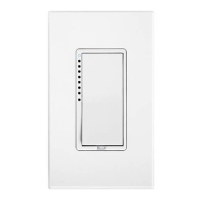
Mount the switch into the junction box with LED on the left and restore power.
Test the switch by tapping the paddle to confirm On/Off functionality.
Follow on-screen instructions on the Hub to add the switch.
When prompted, press and hold the On/Off Switch's set button.

 To Next Page
 General