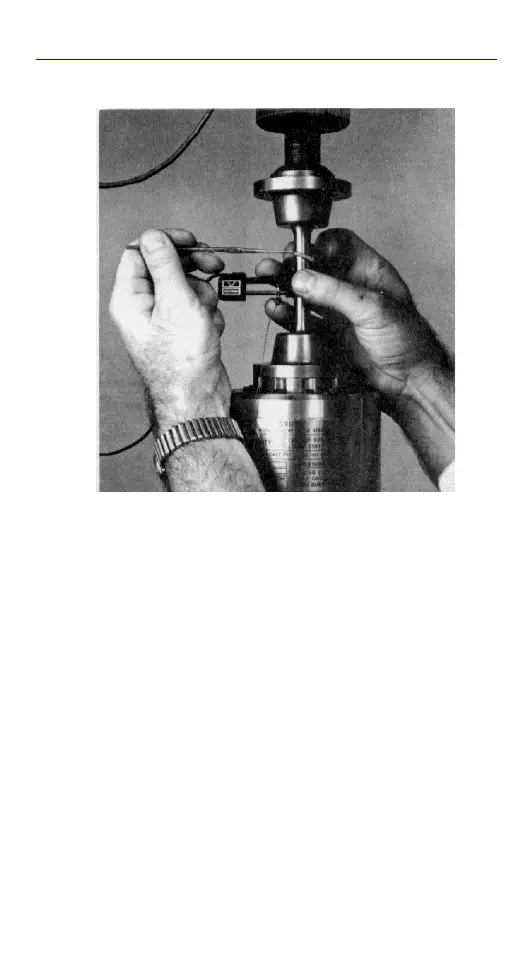
Mounting the Extensometer
2-9
Product Support: www.instron.com
6. If the extensometer is being installed on
flat specimens, ensure that both knife
edges are flat against the specimen. If
one is not, the knife edges are not
parallel, loosen the screws mounting the
upper knife edge and, while gently
pressing the extensometer against the
specimen, tighten the screws.
7. To prevent strain measurement errors,
support the electrical cable so that the
full weight of the cable is removed from
the extensometer. Take up most of the
Figure 2-3. Installing the Upper Clamp



 To Next Page