Calibration
2-11
Product Support: www.instron.com
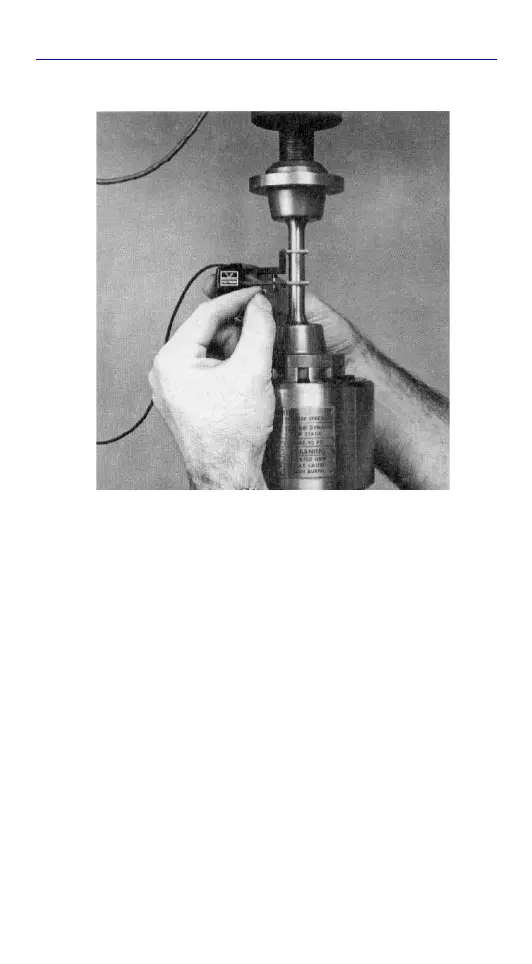
8. Gently withdraw the gauge length pin.
Once the pin is out, do not move the
extensometer on the specimen or the
calibrated gauge length will be lost.
Calibration
To ensure that the Extensometer indicates
precisely the relative movement of the
specimen, the device should be zeroed and
calibrated before use.
Figure 2-5. Removing the Gauge Length
Pin



 To Next Page