133
Front Panel≫ Rear Panel≫ Remote≫
Contents
≫
Connections
≫
Playback
≫
Setup
≫
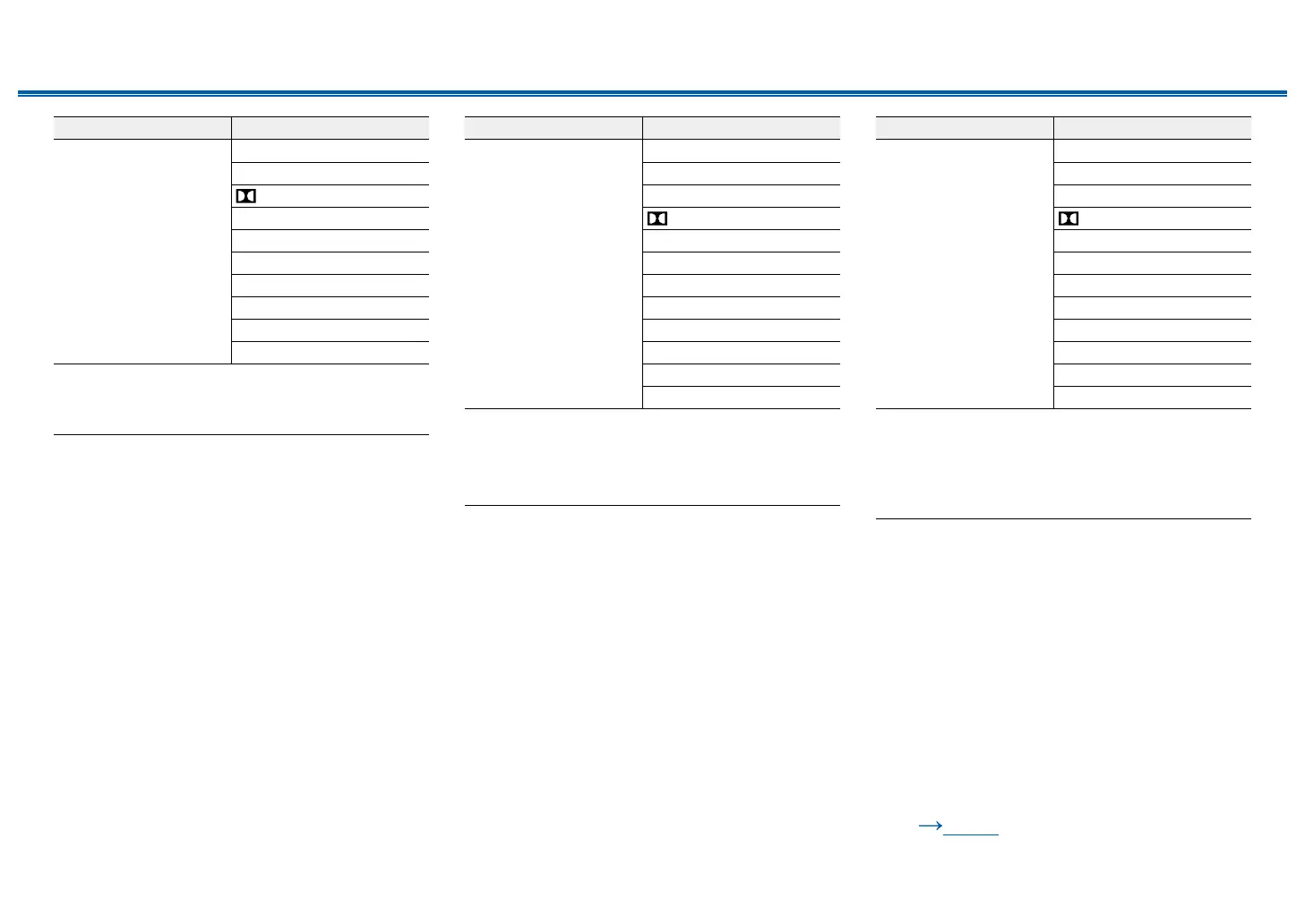
Input Format Listening Mode
PCM
Music les (except DSD)
Direct
Stereo
DSur
DTS Neural:X
*1
THX Music
*2
Orchestra
*3
Unplugged
*3
Studio-Mix
*3
AllCh Stereo
*4
Full Mono
*4
*1
Cannot be selected when the input format is monaural.
*2
Surround speakers need to be installed.
*3
Surround speakers or height speakers need to be installed.
*4
A center speaker, surround speakers, or height speakers need to be
installed.
Input Format Listening Mode
Multich PCM Direct
Stereo
Multich
*1
DSur
DTS Neural:X
THX Music
*2
THX Sel Mus
*3
Orchestra
*4
Unplugged
*4
Studio-Mix
*4
AllCh Stereo
*5
Full Mono
*5
*1
A center speaker or surround speakers need to be installed.
*2
Surround speakers need to be installed.
*3
Surround back speakers need to be installed. Can be selected when the
input format is 5.1 ch.
*4
Surround speakers or height speakers need to be installed.
*5
A center speaker, surround speakers, or height speakers need to be
installed.
Input Format Listening Mode
DSD
• You cannot select
any mode other than
Direct, Stereo, AllCh
Stereo and Full Mono
if the sampling rate is
5.6/11.2 MHz.
Direct
Stereo
DSD
*1 *2
DSur
DTS Neural:X
THX Music
*3
THX Sel Mus
*4
Orchestra
*5
Unplugged
*5
Studio-Mix
*5
AllCh Stereo
*6
Full Mono
*6
*1
Cannot be selected when the input format is monaural or 2 ch.
*2
A center speaker or surround speakers need to be installed.
*3
Surround speakers need to be installed.
*4
Surround back speakers need to be installed. Can be selected when the
input format is 5.1 ch.
*5
Surround speakers or height speakers need to be installed.
*6
A center speaker, surround speakers, or height speakers need to be
installed.
❏ Speaker Layouts and
Selectable Listening Modes
( p119)



 To Next Page