EasyManua.ls Logo

Intek MT-174XPS - User Manual

Intek MT-174XPS
15 pages
Print Icon
To Next Page IconTo Next Page
Loading...
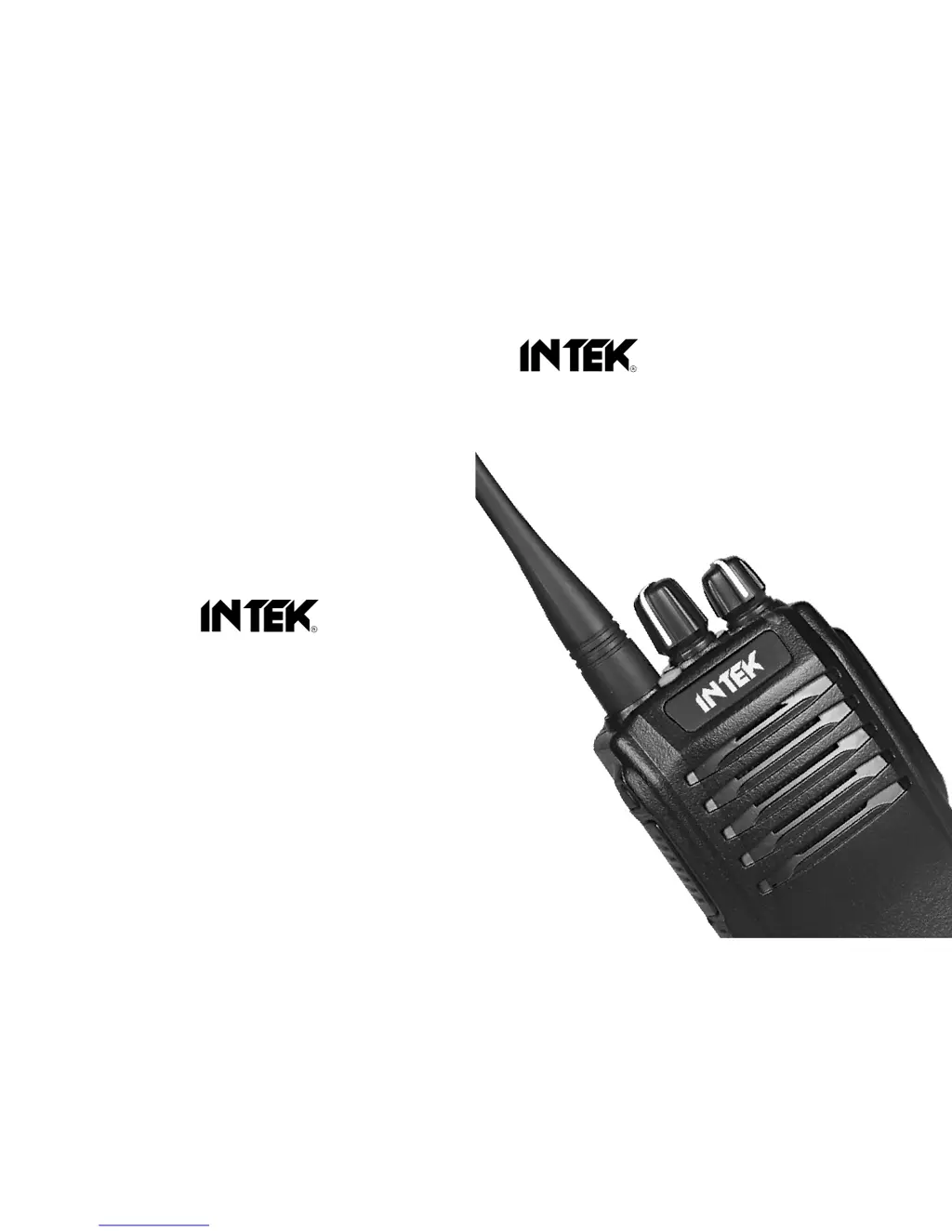
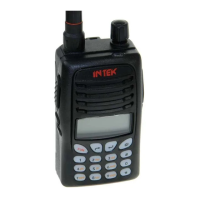
INSTRUCTION MANUAL
136-174 MHz VHF FM / 16CH / 5W
PROFESSIONAL 2-WAY RADIO
PC PROGRAMMABLE
MT-174XPS
420-470 MHz UHF FM / 16CH / 4W
PROFESSIONAL 2-WAY RADIO
PC PROGRAMMABLE
MT-460XPS

Questions and Answers

  • D
    Daniel WallaceAug 8, 2025
    What to do if the red transmission indicator lights but no sound is heard on my Intek Two-Way Radio?
    • C
      Christopher FreemanAug 8, 2025
      If your Intek Two-Way Radio shows the red transmission indicator but you hear no sound, the issue might be a damaged power module Q11, preventing power output. Replacing the module is recommended. Alternatively, the microphone (MIC) could be damaged, in which case, replacing it should resolve the issue.
  • J
    johnstonsusanAug 14, 2025
    What to do if the green receiving indicator lights but no sound is heard on my Intek MT-174XPS?
    • S
      sherrigonzalezAug 14, 2025
      If your Intek Two-Way Radio's green receiving indicator is lit but you're not hearing any sound, it could be due to a broken speaker. Try replacing the speaker. Another possibility is a broken audio power amplifier IC8, which would also require replacement.
  • J
    jameshouseAug 19, 2025
    How to troubleshoot power on failure on an Intek MT-174XPS?
    • B
      brandonmillerAug 19, 2025
      If you're experiencing a power on failure with your Intek Two-Way Radio, here are a few things to check: 1. Make sure the battery connection is reliable by reinstalling the battery. 2. Check if the power protective tube is burnt out and replace if necessary. 3. Examine the power switch for any failures and replace it if needed. 4. Ensure the rechargeable battery has enough power by recharging it or trying a new one. 5. In the event that the CPU is broken, replace the IC.
  • J
    johnsonnicholasAug 23, 2025
    What to do if my Intek MT-174XPS Two-Way Radio has no receiving signal?
    • Z
      Zachary CastilloAug 23, 2025
      If you are not receiving any signal on your Intek Two-Way Radio, check the following: 1. Ensure the antenna is securely fastened. 2. Replace the high-frequency amplifier Q20 if it's broken. 3. Adjust the squelch level if it's set too high. 4. Replace the mixed transistor Q19 if it's broken. 5. Replace the IC5 if it's broken.
  • H
    Heather WelchAug 29, 2025
    Why is my Intek Two-Way Radio beeping with a phase lock loop unlocked error?
    • P
      Peter KennedyAug 29, 2025
      If you're experiencing a 'Phase lock loop unlocked' error (beeping) on your Intek Two-Way Radio, try the following: 1. Reset the channel data if the channel frequency is beyond the supported range. 2. Replace the crystal X4 of the phase lock loop if it is broken. 3. Replace the oscillator transistor if it is broken. 4. Replace the IC1 of the phase lock loop if it is broken.
  • C
    crystalpittsSep 3, 2025
    What to do if there is no talkback on my Intek MT-174XPS?
    • J
      jonesamandaSep 3, 2025
      If you are experiencing no talkback on your Intek Two-Way Radio, consider these potential solutions: * Ensure that the selected frequency is correct by reselecting the channel with the same frequency. * Verify that the CTCSS/DCS code is the same; if not, reset it. * Confirm that you are within the effective communication range.

Summary

User Information and Safety

General Precautions and Warnings

Advises on avoiding fire, injury, and damage; do not use while fueling or charging.

RF Exposure and Occupational Use

Cautionary Statements

Provides specific cautions regarding RF exposure limits and occupational use classification.

Key Information and Operational Guidance

Critical Precautions and FCC Warning

Lists crucial operational precautions and FCC modification warnings for the radio.

Preparation and Initial Setup

Battery Charging Procedure

Instructions on how to charge the Li-Poly battery pack using the provided charger.

Radio Assembly and Component Overview

Basic Operation and Key Functions

Transmission, Reception, and Programmable Keys

How to transmit, receive, and utilize programmable key functions.

Advanced Functions and Features

Scanning and Transmission Control

Special Operational Modes

Lone Worker and Emergency Alarm Functions

Describes the Lone Worker safety feature and Emergency Alarm functions.

Advanced Operation and Troubleshooting

Troubleshooting Common Problems

Lists common radio problems and their corresponding solutions.

Intek MT-174XPS Specifications

General IconGeneral
BrandIntek
ModelMT-174XPS
CategoryTwo-Way Radio
LanguageEnglish

Related product manuals