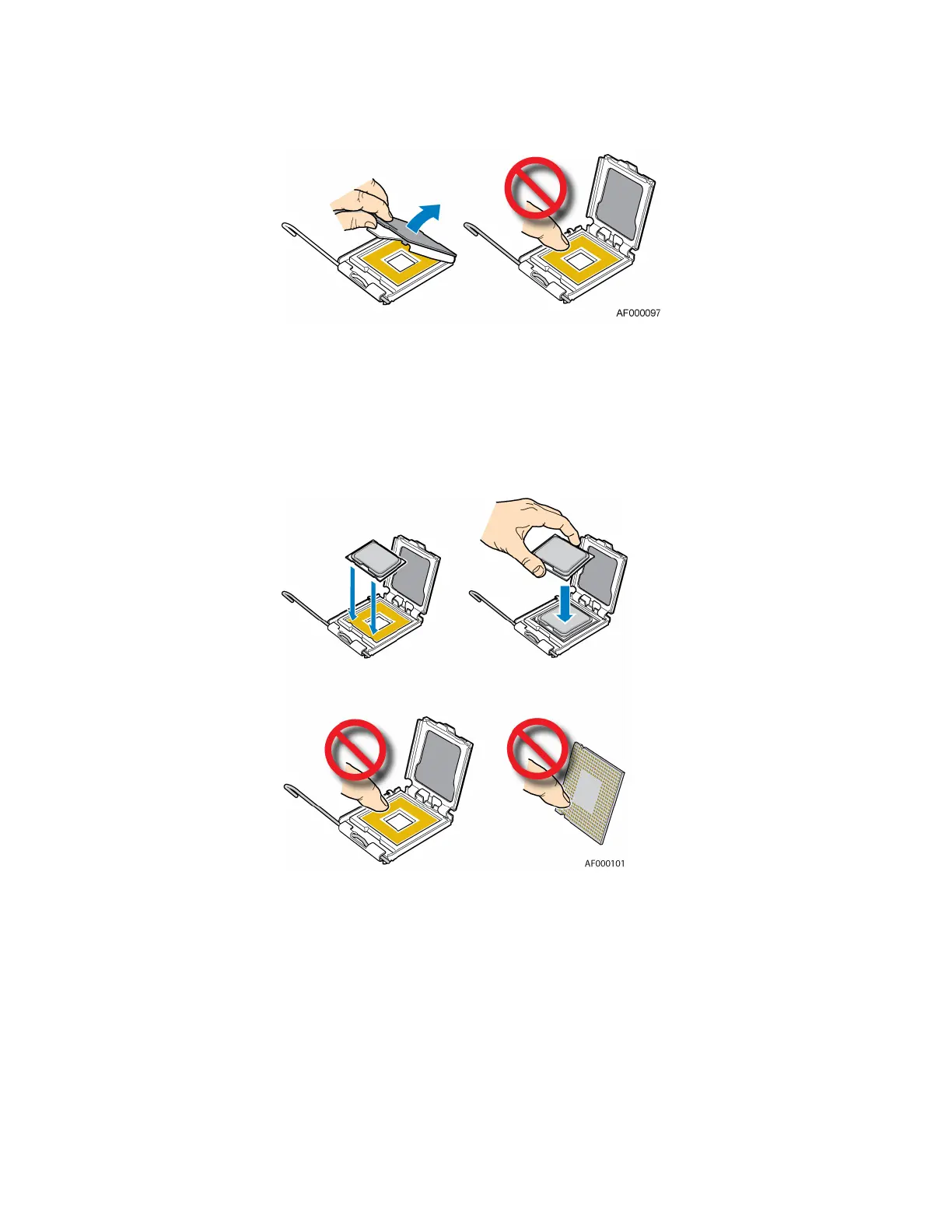
Figure 4. Removing Protective Cover from Load Plate
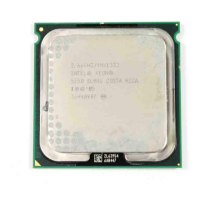
10. Remove the processor from the box and remove the protective shipping cover.
11. Set the processor in the socket with the processor cutouts matching the processor socket
notches. See Figure 5.
Figure 5. Setting Processor in Place
12. Close the load plate.
13. Close the socket lever. Push downward on the socket lever while pushing it toward the center of
the processor socket to engage it under the hook on the processor socket.








 To Next Page