Installing and Replacing Desktop Board Components
43
Connecting Chassis Fan and Power Cables
Connecting Chassis Fan Cables
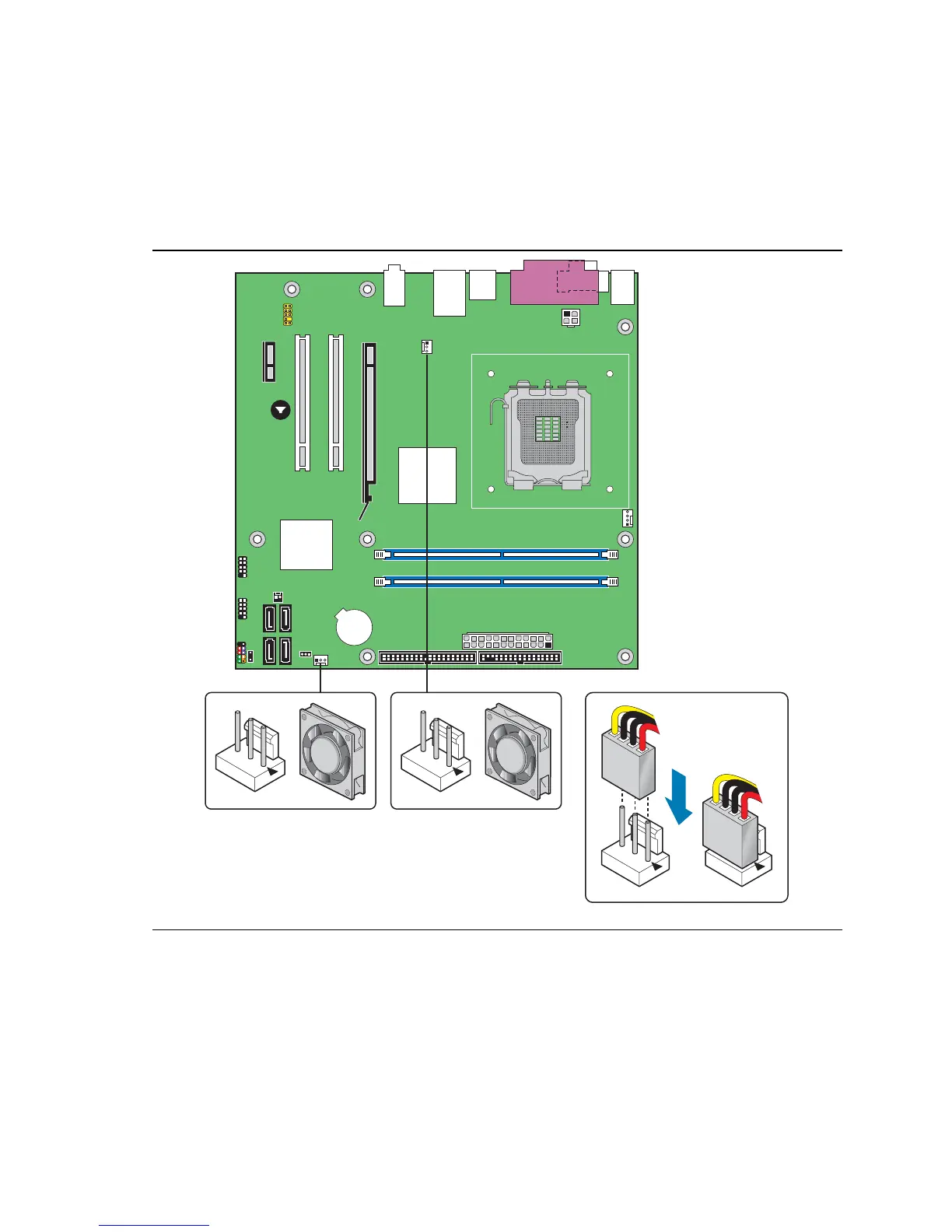
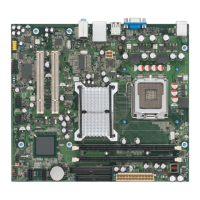
Connect the chassis fan cables to the 3-pin fan headers on the desktop board. Figure 22 shows the
location of the fan headers.
2
1
3
2
1
3
2
1
3
2
1
3
OM19091
Figure 22. Location of Chassis Fan Headers





 To Next Page