2
Put the Adapter in the Computer
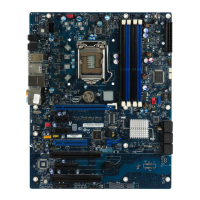
1 Turn off the computer and unplug the power cord. Then remove its cover.
Warning: Turn off and unplug power to the computer before
removing its cover. Failure to do so could shock you and may
damage the adapter or computer.
2 Remove the cover bracket from a PCI busmaster adapter slot. In most
computers, all slots are busmaster-enabled. If you have configuration
problems, see your computer’s documentation to determine if the PCI
slots are busmaster-enabled.
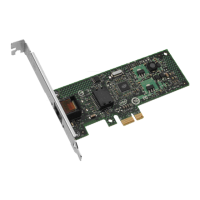
3 Push the adapter into the slot until it’s seated firmly. Then, secure the
adapter bracket with a screw.
4 See page 11 for specific instructions on installing multiple adapters.
5 Replace the computer cover and plug in the power cord.
PC-2612
PCI slot



 To Next Page
 Loading...