3
Connect the Network Cable
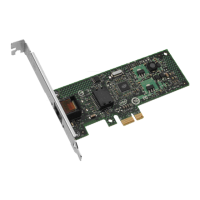
1 Connect a single network cable to the PRO/100 T4 PCI adapter as shown
below. For 100Base-T4, your network cable must be four-pair, category
3, 4, or 5 grade, twisted-pair wiring. If you plan on running the adapter at
100 Mbps, it must be connected to a 100Base-T4 hub (not a 100Base-TX
hub). For 10 Mbps only (10Base-T), two-pair wiring will work.
Twisted Pair Ethernet (TPE).
Use category 3, 4, or 5 cable and
RJ-45 connector for this adapter. At
100 Mbps, connect to a ‘T4’ hub,
not a ‘TX’ hub. At 10 Mbps,
connect to a 10Base-T hub or
switch. For duplex mode restric-
tions, see page 11.
100Base-T4 Wiring
2 To configure the adapter, continue with the procedures specific to your
operating system on pages 4 through 10:
• DOS and Windows 3.1 users with NetWare, go to page 4
• Windows NT 4.0 and 3.5x users, go to page 6
• Windows 95 users, go to page 8
• Others, go to page 10



 To Next Page
 Loading...