DRIVERS INSTALLATION
MB893 User’s Manual 53
Intel PRO LAN Drivers Installation
Follow the steps below to install the Ethernet/LAN drivers in Windows 2000/XP.
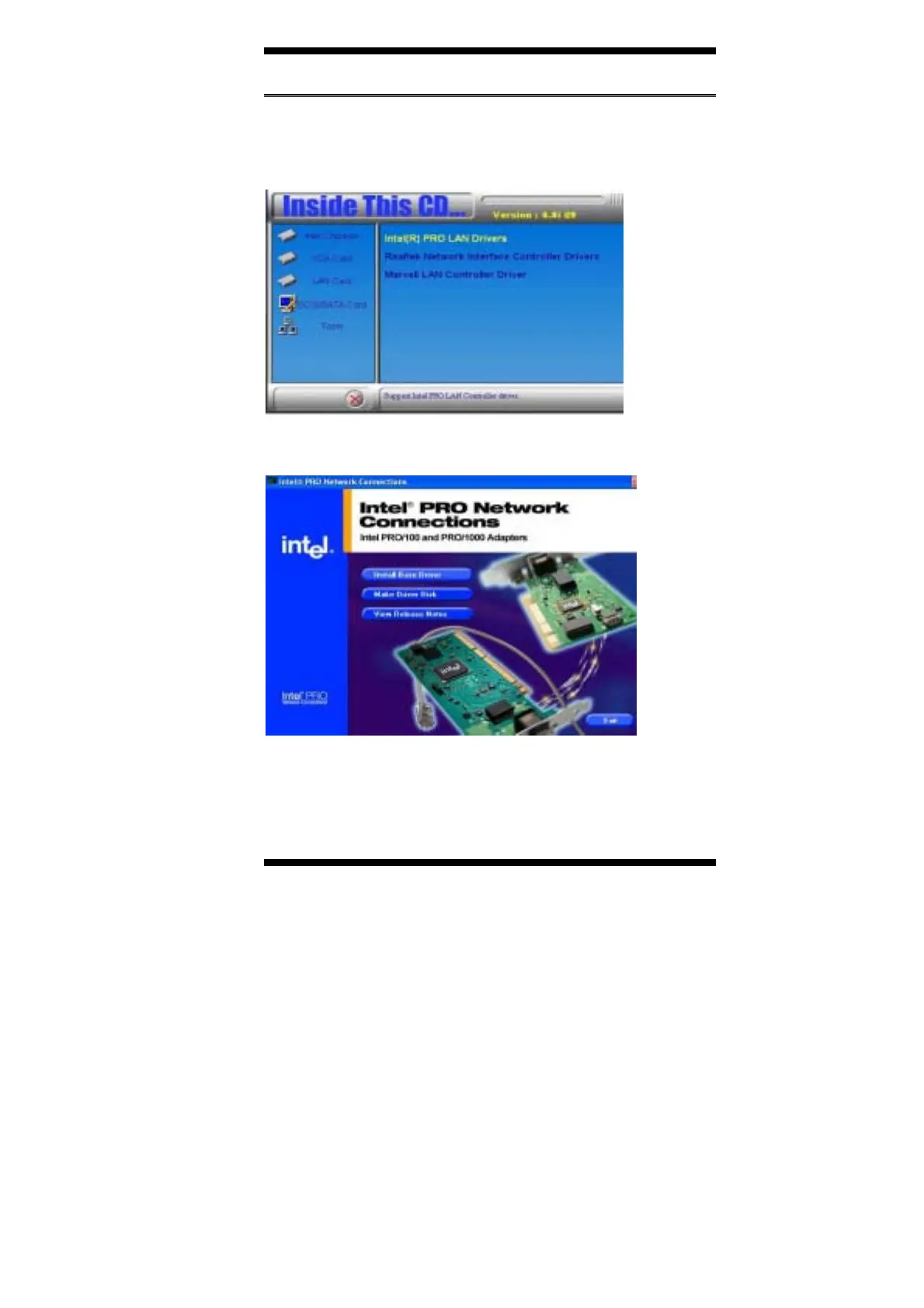
1. Insert the CD that comes with MB893. On the initial screen, click
LAN Card on the left side and the screen below would appear.
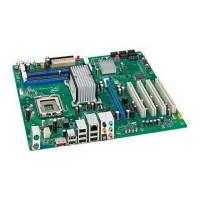
2. Click Intel(R) PRO LAN Drivers. Follow the instructions accordingly
to finish the Ethernet driver installation.








 To Next Page