100
After entering the command, enter the event value in hexadecimal format from
000 to FFF (accepts numbers from 0 to 9 and the letters B, C, D, E and F) and press
the
Enter
key to conrm. If you only want to view the setting, press the
Exit
key and
no programming will be changed.
Events of the restoration type
Zone triggering
Zone no. Event Contact-ID Code
01 to 64 Restoration of zone triggering 130
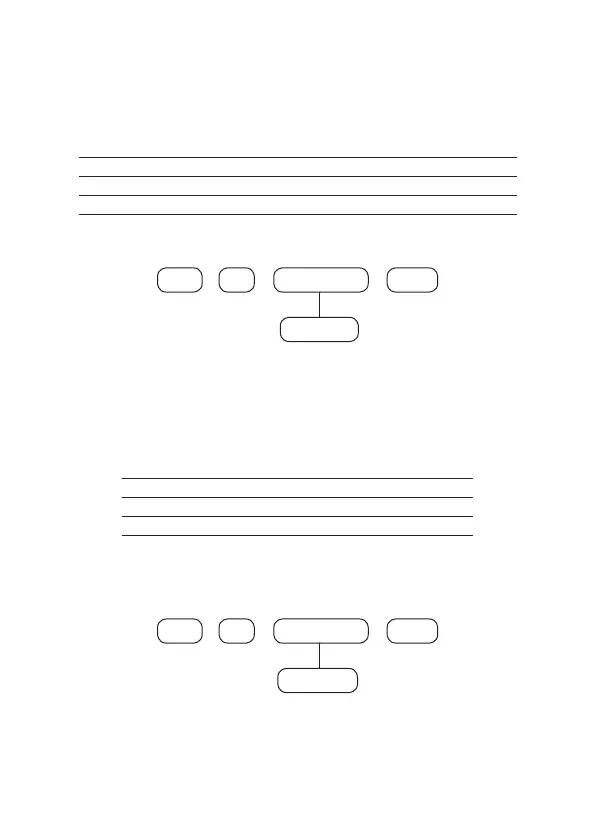
Use the table above to perform the
Contact-ID
event change command for zone
restoration described below:
911
+
Enter Enter
+ +
Zone N°
01 to 64
After entering the command, enter the event value in hexadecimal format from
000 to FFF (accepts numbers from 0 to 9 and the letters B, C, D, E and F) and press
the
Enter
key to conrm. If you only want to view the setting, press the
Exit
key and
no programming will be changed.
Events of the opening type
Sensor tamper
Zone no. Event Contact-ID Code
01 to 64 Sensor tamper 383
Use the table above to carry out the
Contact-ID
event change command for zone
sensor tamper triggering, as described below:
To edit/view the programmed value, type:
902
+
Enter Enter
+ +
Zone N°
01 to 64
After entering the command, enter the event value in hexadecimal format from
000 to FFF (accepts numbers from 0 to 9 and the letters B, C, D, E and F) and press
the
Enter
key to conrm. If you only want to view the setting, press the
Exit
key and
no programming will be changed.



 To Next Page