38
Status of the sensors in their respective zones will be displayed, distributed in
divisions of 10 zones. To change the zone group press the directional keys down or
up, for example, to access zones 41 to 50, press the down key on the keyboard until
the number 4 appears in front of the rst square, making the number 1 referring to
zone 41 and so on, making the number 5 referring to zone 50.
Group 1 will represent zones 1 to 10, Group 2 the zones 11 to 20 and so on up to
the zones in Group 7, thus demonstrating the status of zones 1 to 64.
To facilitate the interpretation of this way of identifying the status of the zones
(open or closed), next to the sensor numbering a square will be displayed, which
according to its marking will be the status of the zone:
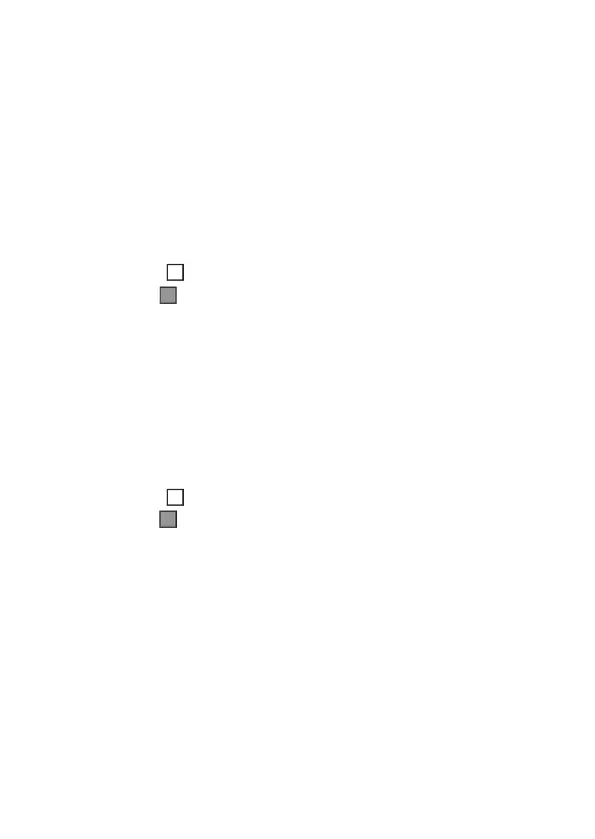
» Square empty ( ) zone closed/non violated.
» Square lled ( ) zone open/violated.
Trigger Sensors
When the alarm center is active, sensors that are violated (disregarding cancel-
bypass sensors) will generate triggers and report events, and the display screen will
show the information of the triggers that alternate with the alarm center status
information (alarm activated or alarm deactivated).
When pressing
Menu
, with the directional keys leave the marker in
Trigger Sens.
and press
Enter
. Use the directional keys to navigate between the sensors/zones of
the alarm unit to check which sensors generated the trip.
» Square empty ( ) zone closed/non violated.
» Square lled ( ) zone open/violated.
Partitions
Enabled partitions will be displayed in the alarm center (see the section
6.11.
Programming the alarm center partitioning
and their respective status.
When pressing
Menu
, with the arrow keys leave the marker in
Partitions
and press
Enter
. Use the arrow keys to navigate between the alarm center partitions to check
their status.
» Activated: the partition is activated.
» Deactivated: The partition is deactivated.
Connections
Status of connections for IP reporting of events to monitoring services will be
shown.
When pressing
Menu
, with the arrow keys leave the marker in
Connections
and
press
Enter
.


 To Next Page
 Loading...



