39
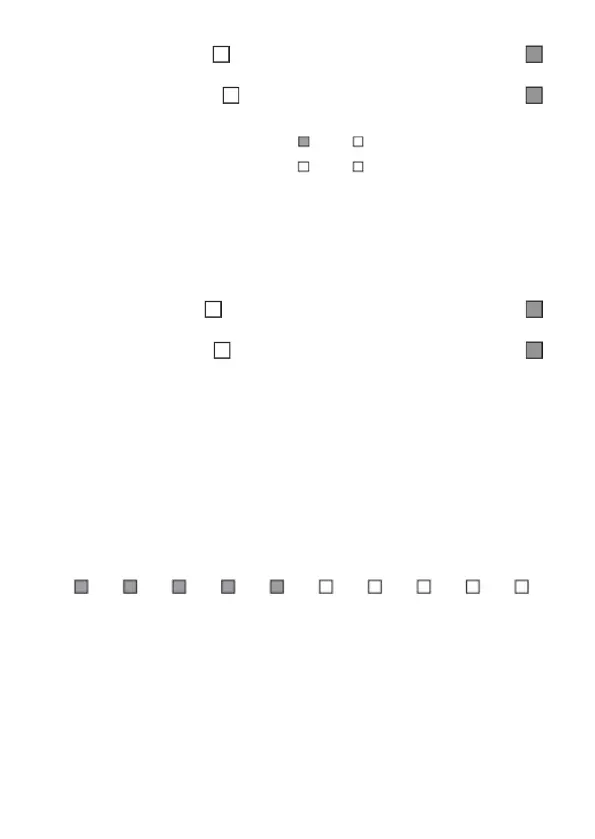
» Eth: empty square ( ): not connected to destination/lled square ( ):
connected to destination.
» GPRS: empty square ( ): not connected to destination/lled square ( ):
connected to destination.
Eth: IP1
GPRS: IP1
IP2
IP2
IP1/IP2 connections status display function. In this example, IP1 is connected via Ethernet
Refer to the
Connections
section for setting priority addresses and directions.
» Cloud: Will display whether the center is connected to the Intelbras Cloud server
via ETHERNET or GPRS. This server allows communication between AMT 8000 and
remote access via application.
» Eth: empty square ( ): not connected to Intelbras Cloud/lled square ( ):
connected to Intelbras Cloud.
» GPRS: empty square ( ): not connected to Intelbras Cloud/lled square ( ):
connected to Intelbras Cloud.
GPRS signal
It will display the operator's signal level in percent, where square 1 represents
level less than or equal to 10% and square 0 represents 100%. The lled mark
corresponds to the active sign and the empty mark to the one without sign,
referring to the level in 10 divisions.
When pressing
Menu
, with the arrow keys leave the marker in
GPRS signal
and
press
Enter
.
1 2 3 4 5 6 7 8 9 0
Illustration of the GSM network signal level function
Note: when the
GPRS
function is disabled, disregard this function.
Wireless signal
It will display the signal level as a percentage of the wireless devices registered in
the center.
When pressing
Menu
, with the arrow keys leave the marker in
Wireless Signal
and
press
Enter
.



 To Next Page