71
Partition Permission
+
21 Password number
+
Enter Enter
From 01 to 96
+
Group of partitions
+
0 = partition from 01 to 10
1 = partition from 11 to 16
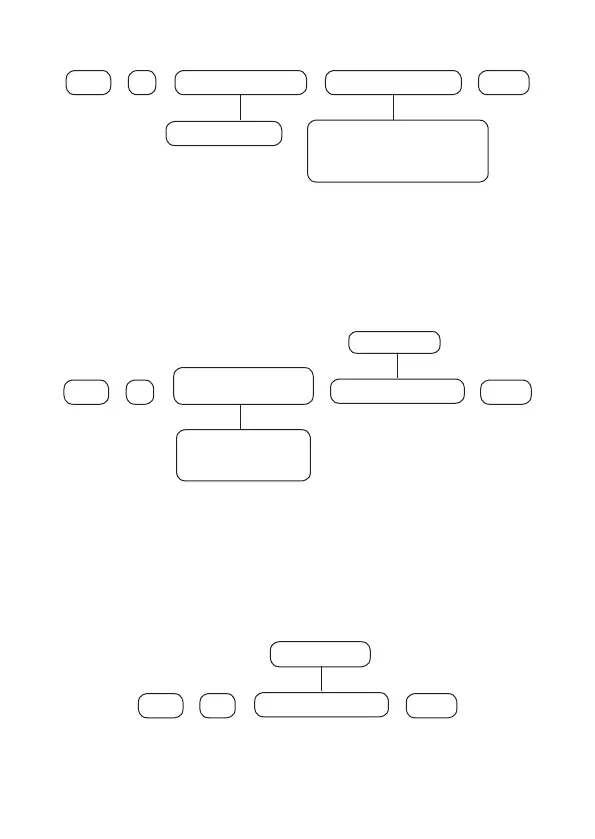
After entering the command, using the XAT 8000 keyboard, mark which partitions
the password will be allowed to, using the numbers on the keyboard to leave
marked for the partition. Select 0 for partition group 1 to 10 and 1 for partition 11
to 16. After changing the congured value, press the
Enter
key. If you only want to
view the setting, press the
Back/Exit
and no programming will be changed.
Permission to only activate or bypass permission
+
2
Permission of
passwords
+
Enter Enter
5 = only active
6 = bypass
+
+
User group
From 0 to 9
Use the keys on the keyboard to enable permissions to activate and bypass only
for users from positions 01 to 96, so that the corresponding numbers you wish to
have the function enabled remain marked on the display and then conrm with
the
Enter key.
If you only want to view the setting, press the
Back/Exit
key that no
programming will be changed.
Allowing for
Partial
mode (stay)
221
+
Enter Enter
+
+
User group
From 0 to 9
Use the keys on the keyboard to enable permissions to stay for users from positions
01 to 96, so that the corresponding numbers you wish to have the function enabled
remain marked on the display and then conrm with the
Enter key.
If you only want
to view the setting, press the
Back/Exit
key that no programming will be changed.



 To Next Page