87
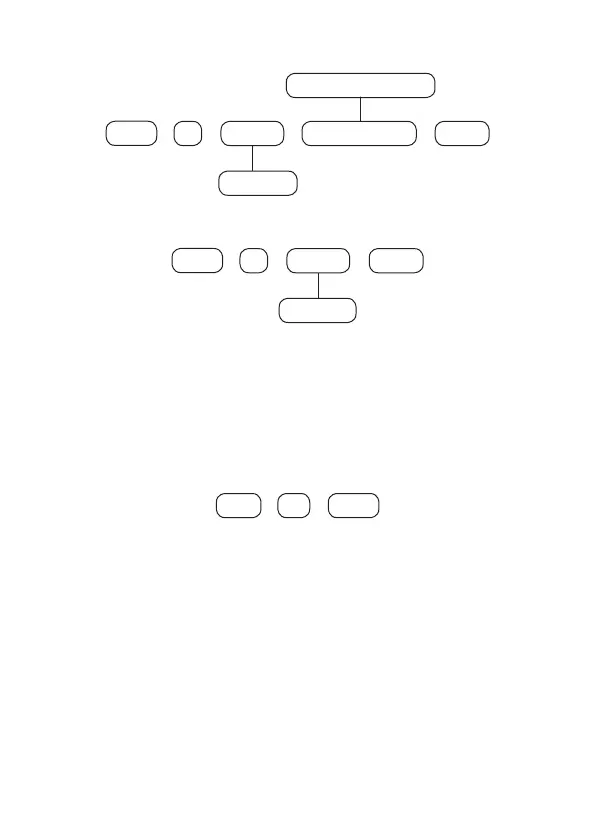
To program this function, type:
+
44 Partition
+
Enter
+
Enter
01 to 16
000 to 255 seconds
+
Output time
To edit/view the programmed value, type:
+
44 Partition
+
Enter
+
Enter
01 to 16
After changing the congured value, press the
Enter
key. If you only want to view
the setting, press the
Exit
key and no programming will be changed.
Disable Beep Out
This function allows you to disable only the output time beeps that are emitted by
the wireless keyboards (only beeps are emitted when the time is other than zero).
To program this function, type:
514
+
Enter Enter
+
After entering the command, use the
8
key to mark/enable this function and then
conrm with the
Enter
key. If you only want to view the setting, press the
Back or
Exit
key and no programming will be changed.
Note: this function is factory disabled and if programmed it will be applied to all
keyboards registered in the alarm center.
6.13. Alarm Center Time Settings
The alarm center has an internal clock and calendar and must be correctly
programmed so that when an event occurs, it is stored in the center's buffer (last
512 events) with the correct date and time, for remote consultation through the
monitoring/operating software. When the event is transmitted to the monitoring
company, date and time will not be transmitted.



 To Next Page