12
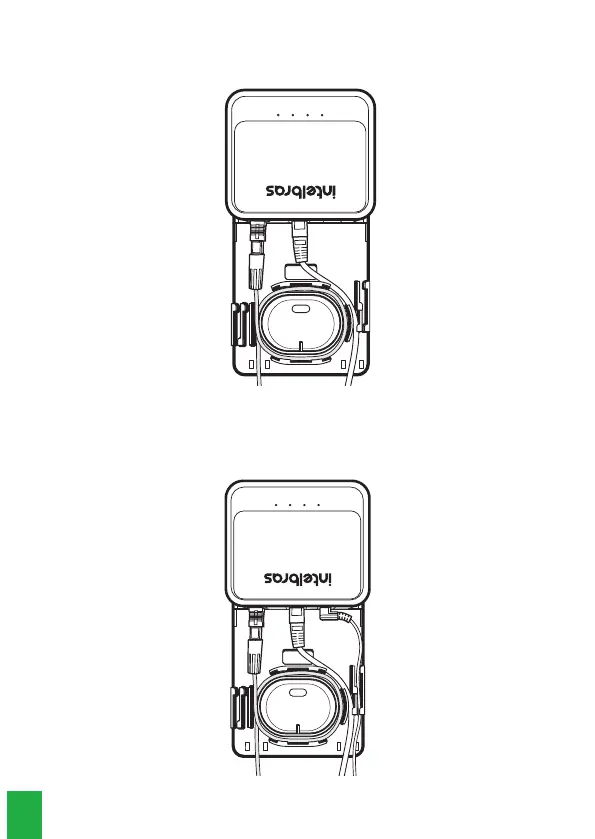
3. After installing the optical cable, connect the network cable to the RJ45 connector
on the ONU, passing the cable through the side of the holder, as illustrated in the
following image:
Sentido da conexão
ONU
Trava do conector
ROSETA
90 cm
4. The last cable that should be installed is the power cable. Connect it to the ONU
power inlet and pass the cable through the slot, indicated by item 2 in the holder
details figure. After this step, the mounting will be as shown in the picture below:



 To Next Page