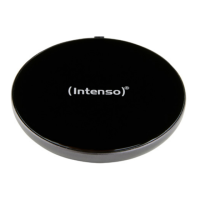
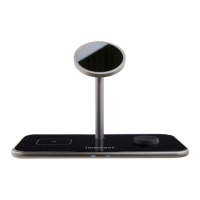
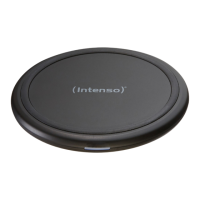
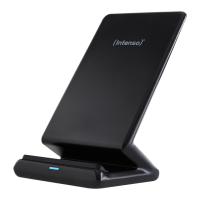
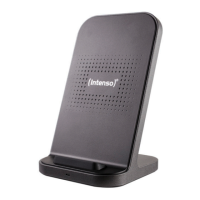
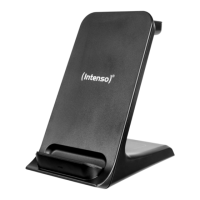
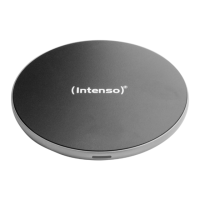
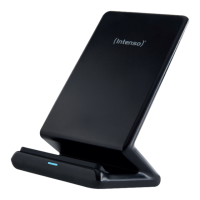
SCOPE OF DELIVERY
Please check whether the packaging contents (see also diagram at the beginning of
the manual) are complete and undamaged. If this is not the case, please contact the
seller or our service department:
rma@intenso-internaonal.de
USE
Start-up / charging compable devices
Step 1: Preparaon
Connect the integrated USB-C cable to the power supply unit and next connect the
power supply unit to a power socket (observe the safety instrucons).
Step 2: Start charging
Posion your Qi-compable device in the centre of the inducve charging staon.
The charging process starts automacally.
If this is not the case, please check
a. whether your device is Qi-compable
b. whether there is a foreign object between the devices or you are using an
unsuitable case.
c. whether you have chosen the enclosed power adapter or a dierent but com-
pable one. If this is not the case, replace it accordingly. If this is the case,
please disconnect it from the power supply for a few seconds and reconnect
it to start the charging process.
d. whether the cable ends and the power supply unit are correctly connected.
e. where the correct wireless charging posion is on your device. You may need
to reposion it.
Please note that the ambient temperature and the charging electronics of the device
to be charged have an eect on the charging behaviour over which the inducve
charging staon itself has no inuence. For example, the charging speed may be
reduced at increased temperatures or when charging levels have already been rea-
ched.
Step 3: End charging process
To end the charging process, simply remove your device from the inducve charging
staon.
EN - Page 4 of 5
Intenso Magnec Wireless Charger MB1/MW1
Power supply HP8 Instrucon manual
1
2
3
- Page 5 of 5


 To Next Page
 Loading...