2
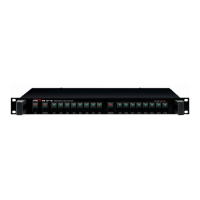
MVF-2132
MULTI-VOICE FILE
Unpacking
Please take a few minutes to read this manual to familiarize yourself with the important information regarding
installation, product features, and operation.
As with most electronic devices, ORIGINAL PACKAGING (OR EQUAL) IS REQUIRED in the unlikely event that
the product needs to be returned for servicing.
Short Form Instructions
1. Do not connect the AC power until step 5.
2. Connect the OUTPUT to an Inter-M Weekly Program Timer or other appropriate device.
3. Connect the Serial port or Remote connector to an Inter-M Weekly Program Timer or other appropriate
device.
4. Connect any external sources to be used with the system (Microphone, CD Player, Cassette Deck, or other
signal source).
5. Attach the supplied power cord to the unit and to an appropriate AC power source. There is no power
switch so the unit remains powered at all times, although the unit may receive its power from the timer-
controlled switched outlet on the Inter-M Weekly Timer.
6. Select the desired file using the REW or FF buttons, then press play to listen to the file.
7. Incorporate the remaining functions and capabilities of the unit as appropriate.



 To Next Page