7
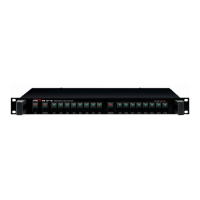
MVF-2132
MULTI-VOICE FILE
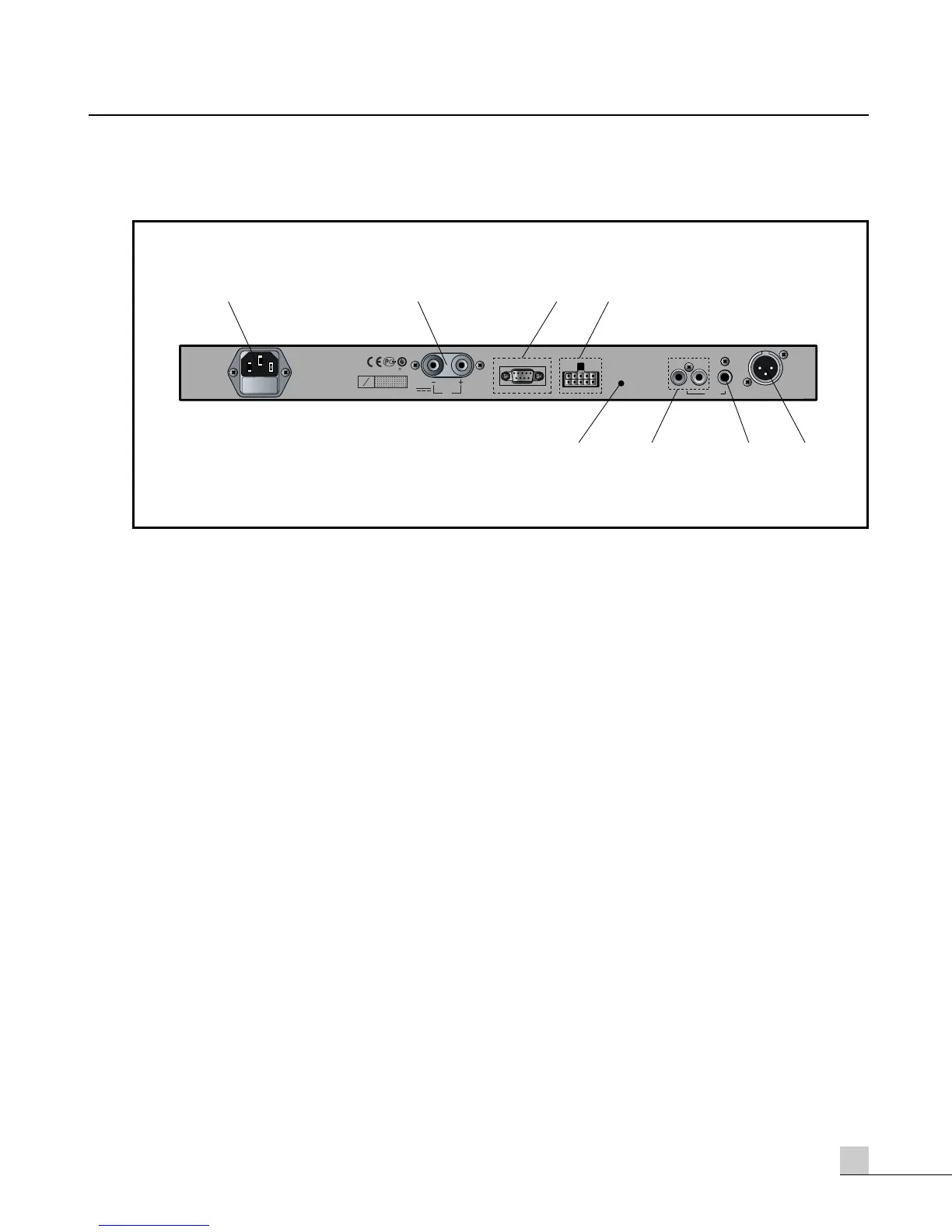
Rear Panel
Rear Panel
1. AC MAIN INPUT
This receptacle permits connection of the unit to an appropriate AC power source, using the universal AC
power cord provided with the unit.
2. DC MAIN INPUT
This 24VDC input is for connection to DC Mains. This alternate power source is commonly used in
applications requiring emergency backup power.
3. SERIAL PORT
This provides an RS-232C interface for connecting this unit to the Inter-M PW-9242N weekly program timer.
4. REMOTE CONTROL PORT
This provides a means of connecting this unit to the Inter-M PW-9242V weekly program timer.
5. RESET
Depressing this button will reboot the internal CPU to clear related errors or malfunctions.
6. CD INPUT
This input accepts a Compact Disk player (or other unbalanced line-level source) for the purpose of recording
(storing) an audio program signal.
7. AUX INPUT
This input accepts a cassette deck (or other unbalanced line-level source) for the purpose of recording (storing)
an audio program signal.
8. OUTPUT
This Output connects to a paging system (or sound system) that will broadcast the selected audio program
signal(s).



 To Next Page