33
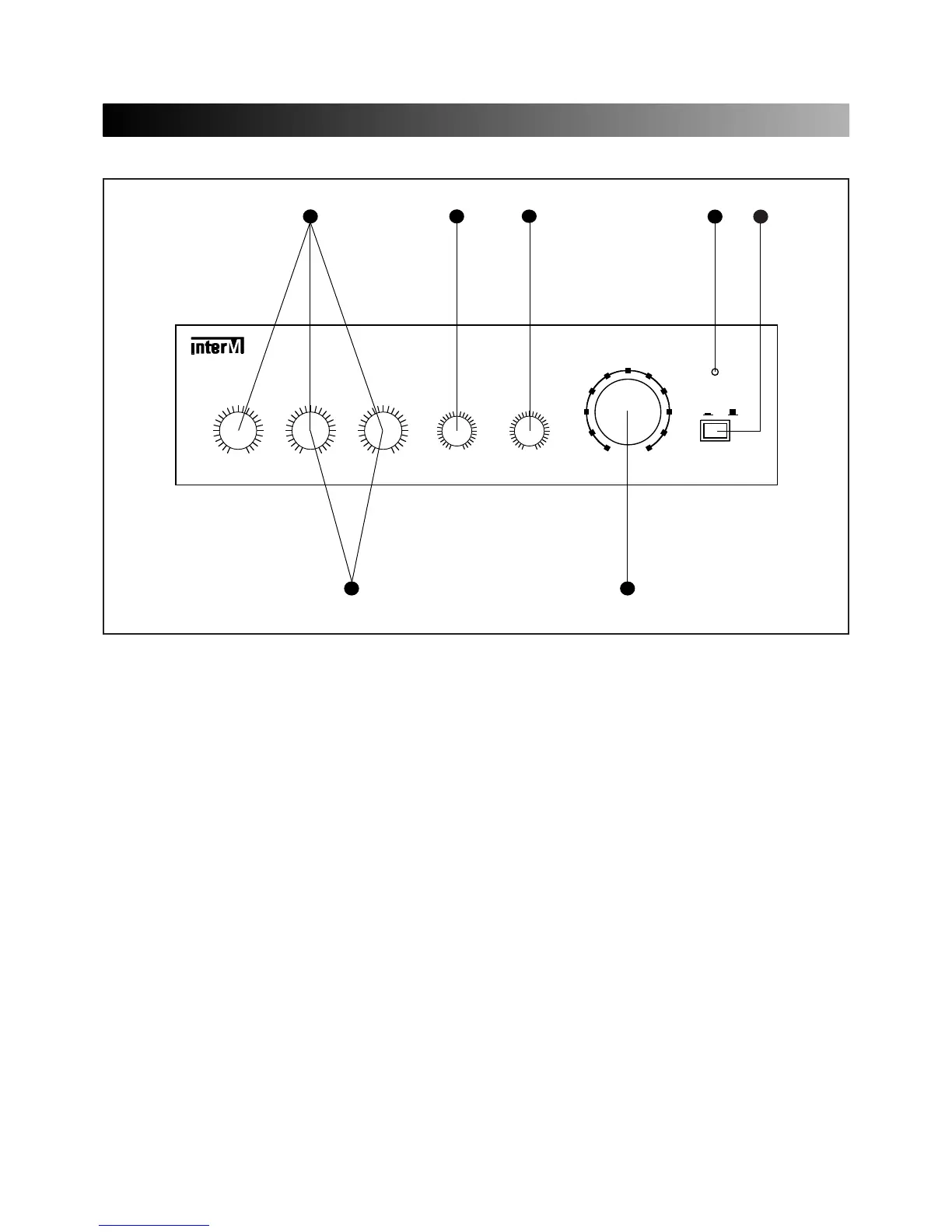
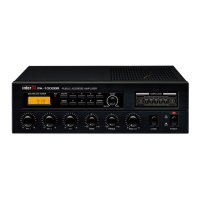
FRONT PANEL CONTROLS
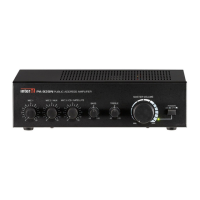
1. POWER SWITCH
Pressing this switch to ON will make the power indication LED ON and supply the power to this unit.
2. POWER LED
Pressing power switch to ON will make the power indication LED ON.
3. TREBLE
This control is used for modifying the high frequency sound.
4. BASS
This control is used for modifying the low frequency sound.
5. MIC VOLUME
You can adjust the volume level of Mic 1, Mic 2, and Mic 3.
6. AUX VOLUME
You can adjust the volume level of Aux 1 and Aux 2.
7. MASTER VOLUME
This control is used for adjusting the volume of finally mixed sound.



 To Next Page