DIGITAL PA SYSTEM
14
PSI-5120/5240
- 1CD
� Playback discs, ordinary audio CDs, CD-R or CD-RW discs recorded in CD-DA format and properly
finalized.
� Press the 1CD Function button.
� If inputting a disc, the unit enters into the Standby Mode after automatically reading information and
total music number to play are displayed in the display. Up to 499 music can be displayed. If there is
no disc, “NO DISC” is displayed in the display.
� Press the ▶(PLAY) button to play. Press the II (PAUSE) button to pause during music play.
� If pressing the ▶(PLAY) button once again, the selected function is released and continuing play is
done from the current portion.
※Caution : A disc whose status is not good or a disc which format is not compatible is automatically
ejected. Check the disc status because it is not failure of this unit.
Only a disc with the size of 12cm is available and a disc of 8cm should not be used.
- USB
� Playback files saved in the USB memory.
� Press the USB Function.
� Standby status remains after automatically reading information if inserting USB memory into the front
USB terminal. Total file numbers to play are displayed in the display. If no files to play, then “NO
FILE” is displayed in the display. “NO USB” is displayed in the display if USB memory is not inserted.
� Press the ▶(PLAY) button to play. Press the
II (PAUSE) button to pause during music play.
� If pressing the ▶(PLAY) button once again, the selected function is released and continuous play is
done from the current portion.
- DRP
� Playback files in the inner memory.
� Press the DRP Function button.
� Standby status remains after automatically reading information. Total file numbers to play are
displayed in the display. If no files to play, “No File” is displayed in the display.
� Press the ▶(PLAY) button to play. Press the II (PAUSE) button to pause during music play.
� If pressing the ▶(PLAY) button once again, the selected function is released and continuous play is
done from the current portion.
2) DISC CHECK
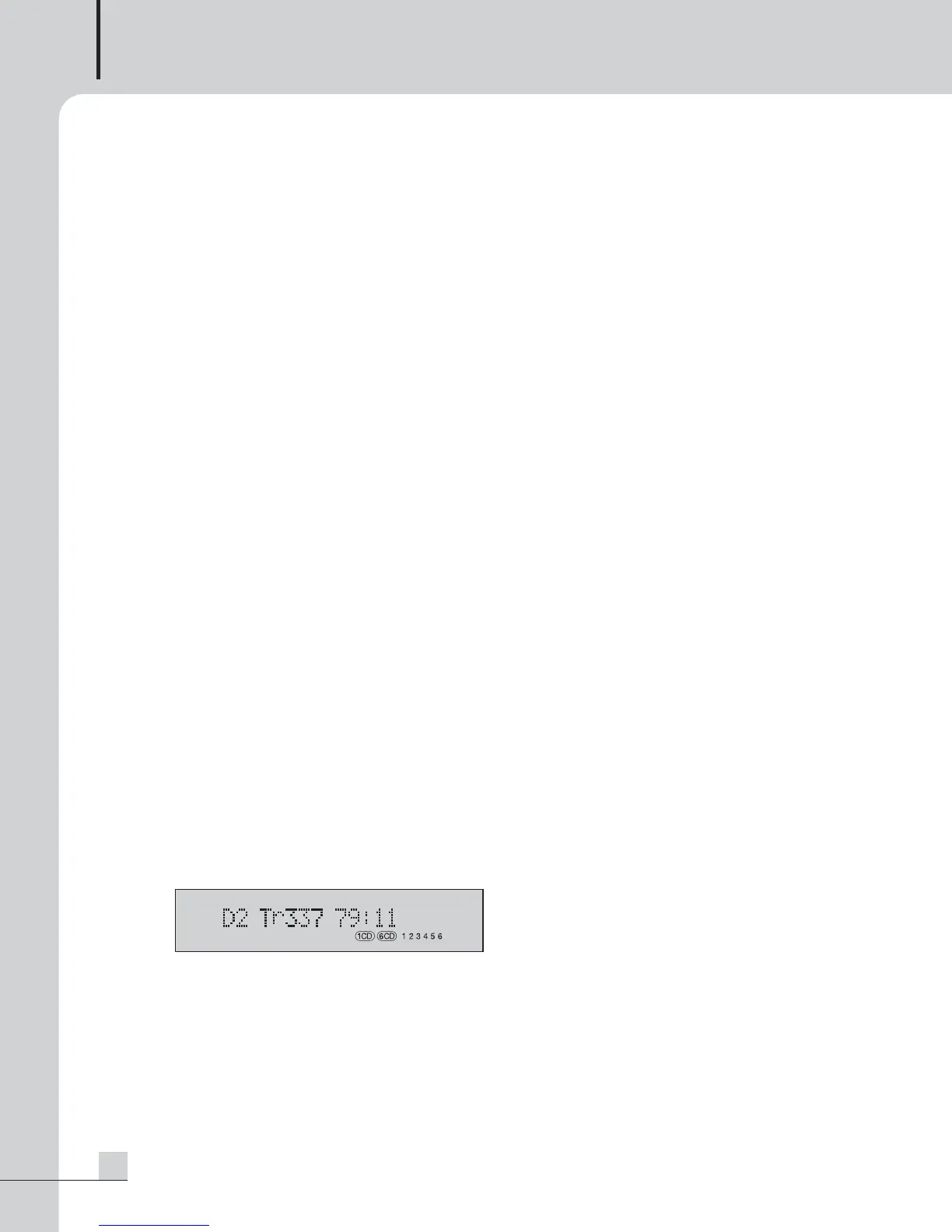
You can check with the relevant icon of the right lower part of the display.
- 1CD : “1CD” icon lights on.
- 6CD : Inputting Magazine enables to light “6CD” and numeric (1~6) icon and numeric icon turns off
except for track where disc is contained in while playing is done.
3) REPEAT
- 6CD
Pressing the REPEAT button enables to change the mode to the order of REPEAT → REPEAT 1→ REPEAT ALL → OFF.
PSI5120_E 2009.7.31 9:33 AM 페이지 17



 To Next Page