4
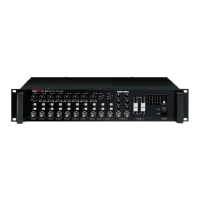
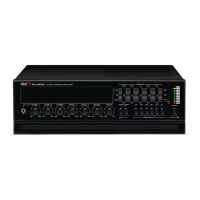
RM-05A
REMOTE AMP WITH ZONE SELECTOR
Front Panel
Front Panel
1. MICROPHONE INPUT CONNECTOR
The CMC-01 gooseneck is connected via the XLR connector.
2. MICROPHONE LEVEL CONTROL
Turn clockwise to increase and counter clockwise to decrease the microphone volume level.
3. POWER SWITCH
Switches ON and OFF the microphone unit.
4. OUTPUT LEVEL METER
Indicates the signal output level between –20dB and +10dB.
5. ZONE/CHANNEL LED INDICATOR
Visual indication of the selected channel.
RM-05A_E 2010.3.24 9:2 AM 페이지 7



 To Next Page