11
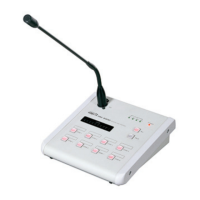
RM-8000(REMOTE MIC STATION)
Priority of Broadcasting
This system broadcasts according to following priority:
PAGING MIC > FIRE ALARM (REC&PLAY IC) >
RM-8000 MIC > LM-8000 > PX-8000 BGM
Operation
■
■
RM-8000 CONNECTION
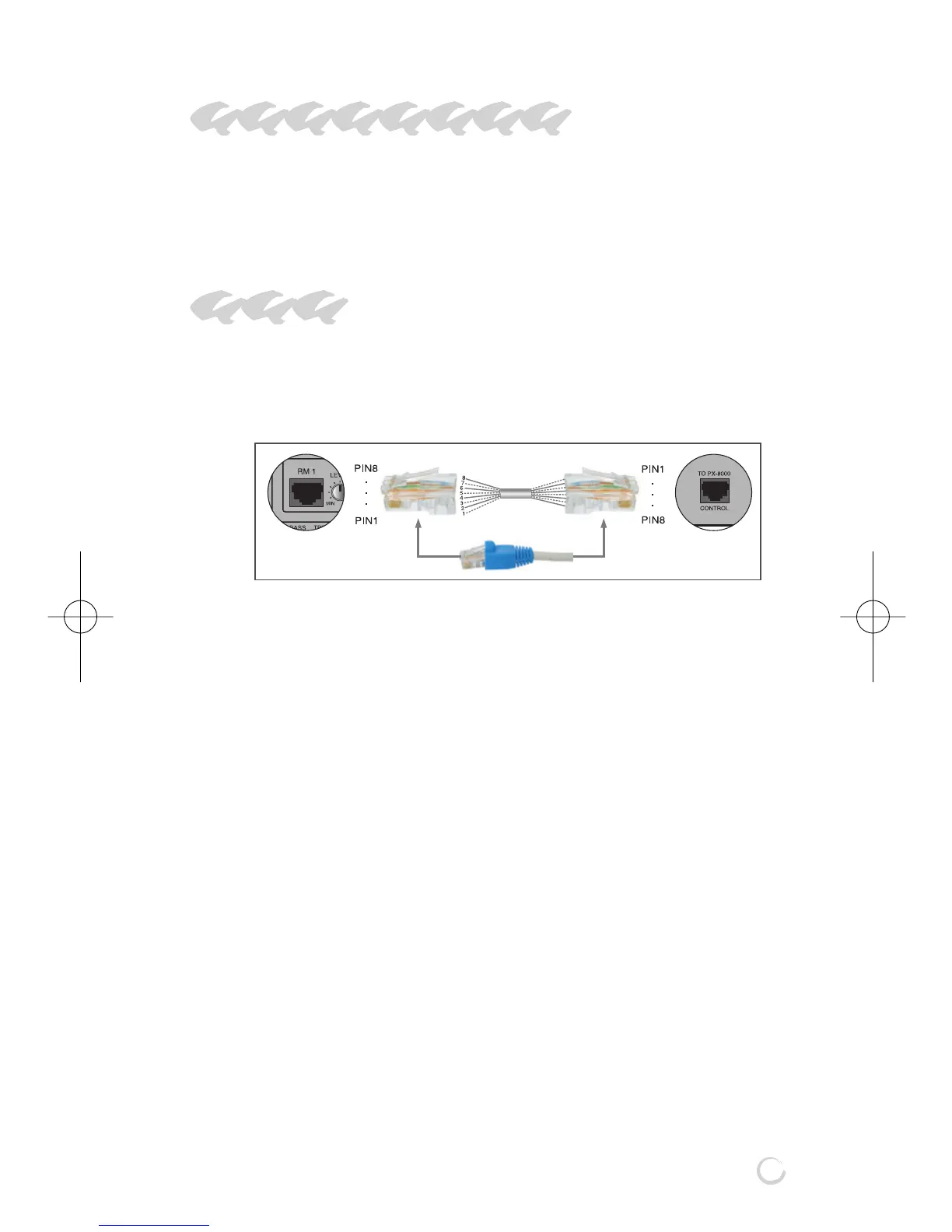
- Connect to the RM-8000 connection hole on the rear
side of PX-8000 using a CAT5 (UTP) wiring material.
- Immediate broadcasting is allowed without separate
ID setting.
- 4 sets of RM-8000 can be connected.
- If powering on, buttons sequentially turn ON/OFF
simultaneously with power LED turned on.
- Flashing of buttons mean defect of the unit or
connection status, thus check connection status and
the unit.
■■
■
RM-8000 MIC BROADCASTING
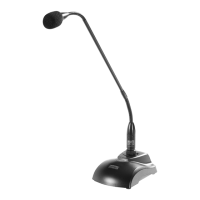
- Connect a MIC to the MIC input jack. Both dynamic
MIC and condenser MIC can be used.
- Set the Chime Mode Switch on the rear side of
RM-8000.
1) SWITCH1 ON : Chime increased by 2 tones for
starting broadcast is emitted
when pressing the TALK button.
PX-8000 RM-8000


 To Next Page