D-0127810-A – 2020/05
AS608 - Instructions for Use - US Page 12
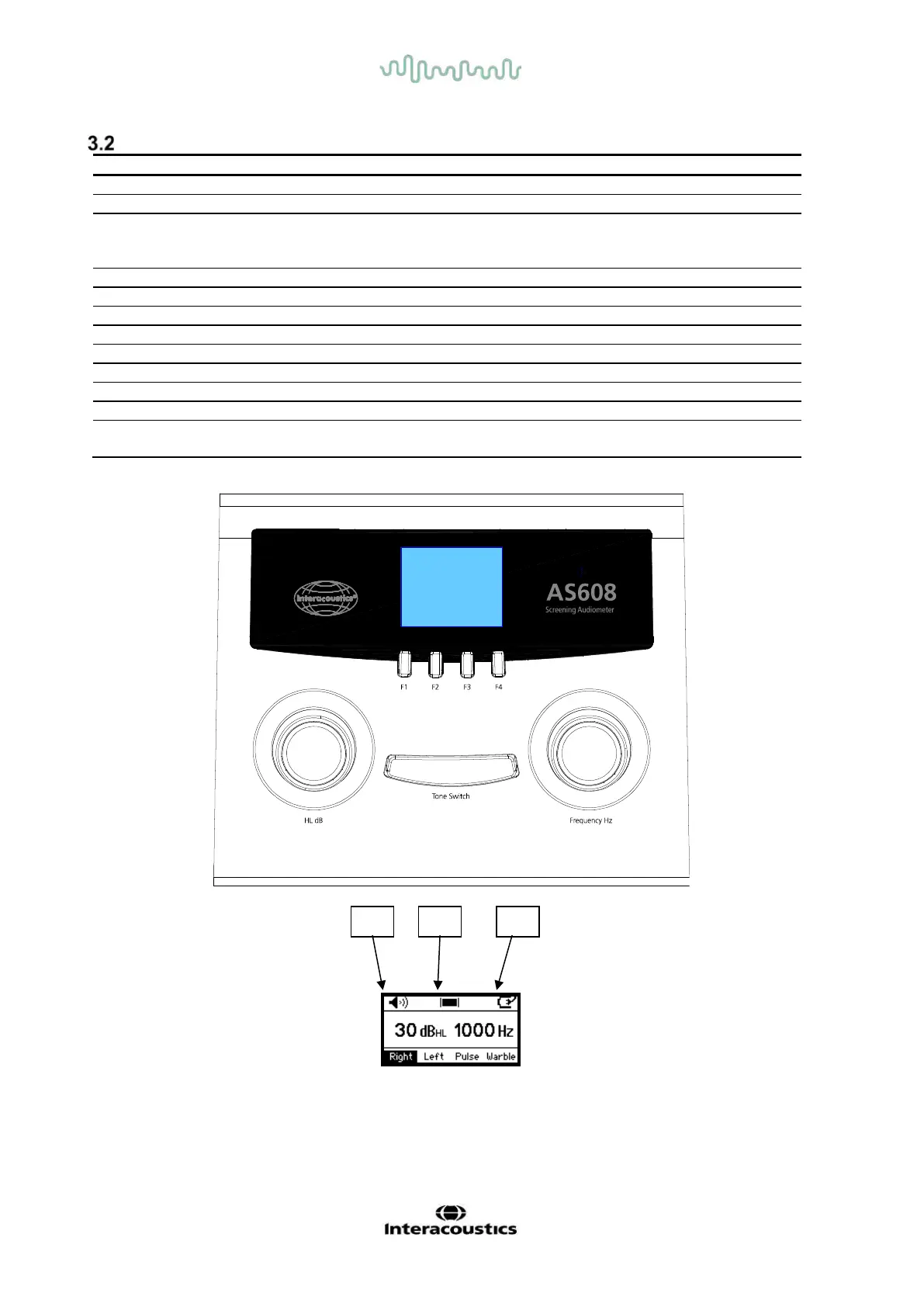
AS608 - Operation Panel Dictionary
Selects Right headphone. L/R toggle on AS608e
Selects Left headphone on 608 / Store threshold on AS608e
Select Man to have the tone presented when Tone Switch is
activated. Select Pulse to present pulsing tones when the
Tone Switch is activated.
Select Pure tone or Warble tone as stimulus.
Selects stimulus frequency.
Indicates response from patient.
External Power / Battery
status
Indication of external power supply / battery status.



 To Next Page