D-0127810-A – 2020/05
AS608 - Instructions for Use - US Page 16
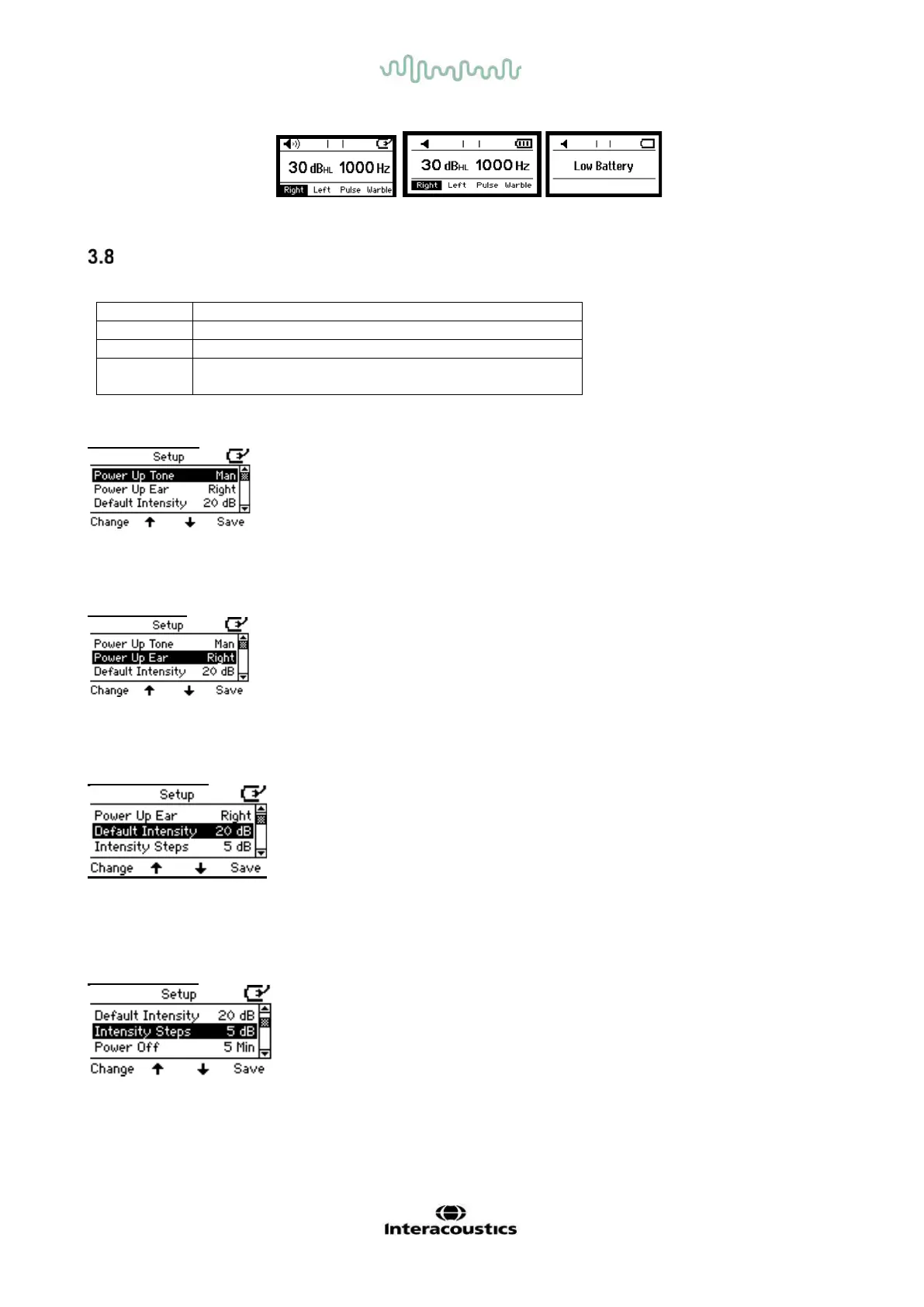
Setup Menu of AS608/AS608e
To access the AS608/AS608e setup menu press F1 and F4 simultaneously for 2-3 seconds.
Browse up in the setup menu
Browse down in the setup menu
Save settings and Back to previous screen display –
see below for details
Power up Tone
Press Change to toggle between Manual and Reverse.
Power up Ear
Press Change to toggle between Right and Left ear as the default ear for Power Up
Default Intensity
The default intensity when changing ear side. Choose between: Off, -10dB, -5dB, 0dB, 5dB, 10dB, 15dB,
20dB, 25dB, 30dB, 35dB, 40dB, 45dB and 50dB.
Intensity Steps
Choose Between: 1 dB and 5 dB.



 To Next Page