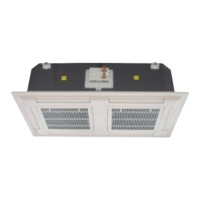
Interklima Dx Cassette Units
II-IO CCV1 R410A / Rotary / Scroll
42
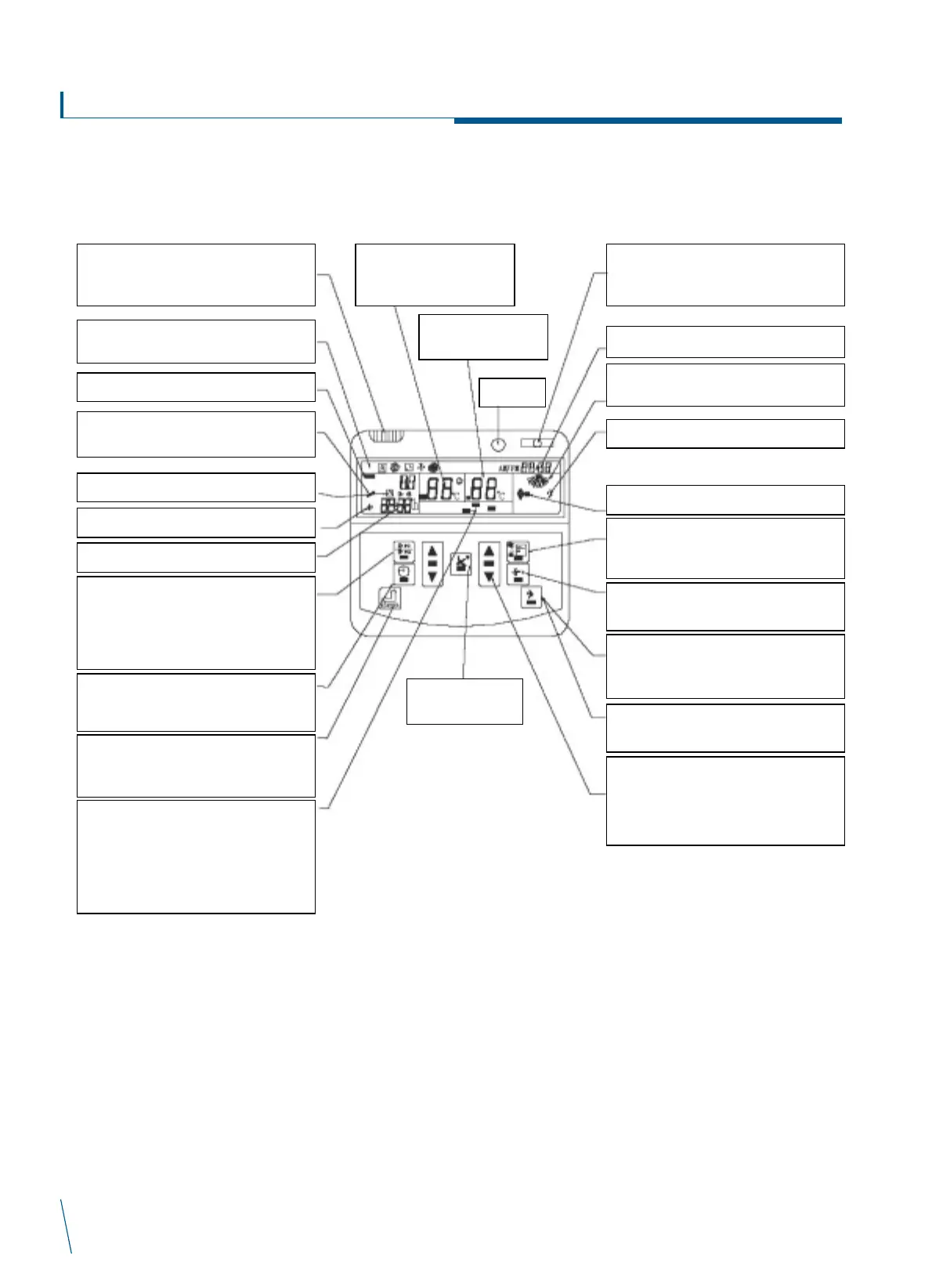
Room Temperature Sensor. When using
wall pad, the sensor automatically works
instead of the main PCB’s sensor.
Automatic, Cool, Dehumidification,
Ventilation or Heat
Unit Number. No function.
Error Mark. Please refer to error code
display on wall pad definition table.
Timer ON; Timer OFF
Error Alarm
Setting time (hour)
Network Icon display. When the icon
appears, you canchange all or each of the
slave units parameters by pressing TIMEUP
or DOWN button. After you change master
unit parameters, press the enter button.
The slaveunits parameters will change.
Enter Button. In order to avoid mis-operation,
allsettings (except ON/OFF Button) arevalid
after pressing Enter Button.
Clock Button. Press the clock button, “AM”
lights, then press time up or down button
settime.
Timer-On Timer-Off Button. When the unit is
on or off, press the button to set timer off or
on. It only canbe used to set Timer-On or
Timer-Off (12hours). Press time up or down
button to settimer on or off time.
ON/OFF Button. Pressing the button will turn
the unit on or off.
AM: PM: Time display
Sleep Display
Swing Display
Mode Button. Press the button to select
Auto, Cool, Dehumidification, Ventilation or
Heat mode.
Fan Button. Press the button to select.
Auto, Low, Medium or High speed.
Sleep Button. Sleep mode will automatically
adjust temperature and save energy when
you aresleeping.
Network Button
No function.
Temperature Up and Down Button
Press Up Button to increase temperature
1_ step. (Max:30_) Press Down Button
to decrease temperature 1_step. (min:16_)
Fan Speed Display
Auto, Low, Medium or High
LED Signal
Room Temperature(_)
Display
Swing Button
Setting Temperature
(_) Display


 To Next Page
 Loading...