9
5. PABX & System Usage
This telephone can be used behind a PABX or on a network that utilises the
recall function. There are many such systems and whilst it is likely that no
problems will be encountered, it cannot be guaranteed that the telephone will
operate correctly under all circumstances and any cases of difficulty should be
referred to your supplier.
Recall
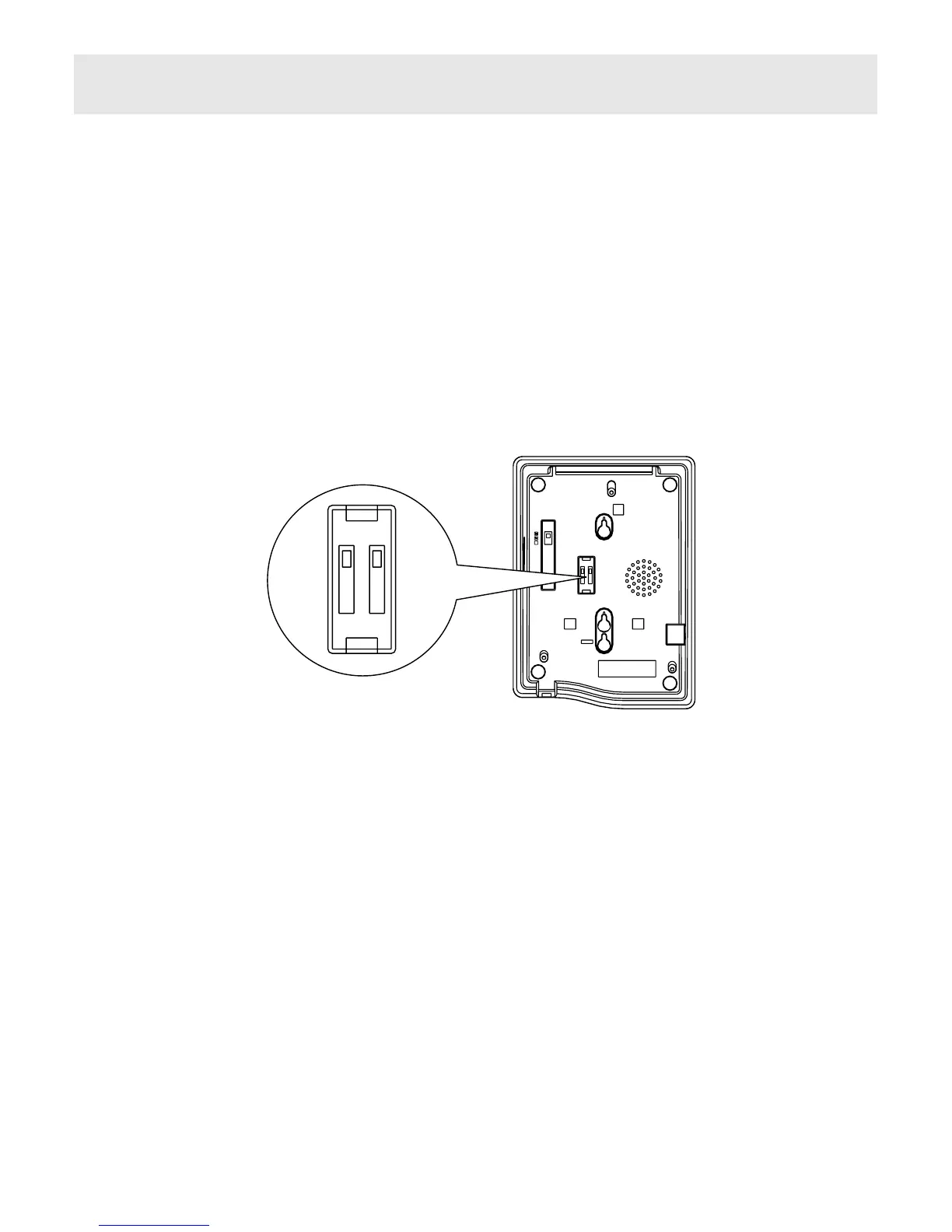
Before you attempt to change the recall switch, labelled TBR ER, see (Figure
4&5), you should disconnect the phone from the network.
You will need a screwdriver, or similar tool to remove the cover plate over the
switch. Simply slide the Switch marked TBR ER to the appropriate setting ( the
factory default is TBR ). If you are unsure which setting is applicable, please
consult your PABX manager or supplier. Do not adjust the switch marked N, S2,
S1.
Replace the cover, plug the phone back into the socket and it is ready for use.
PABX access
Where a PABX access digit is required to obtain a direct outside line, it may be
necessary to insert a pause after dialling the access digit (see page 7 Pause
and Redial function of this manual ).
Figure 5 Recall Switch
S1 S2 N
TBR ER
.
.
.
S1 S2 N
TBR ER



 To Next Page