6
3. Telephone Features
Ringer Indicator
Flashes when the telephone rings with an incoming call.
Ringer Volume Switch
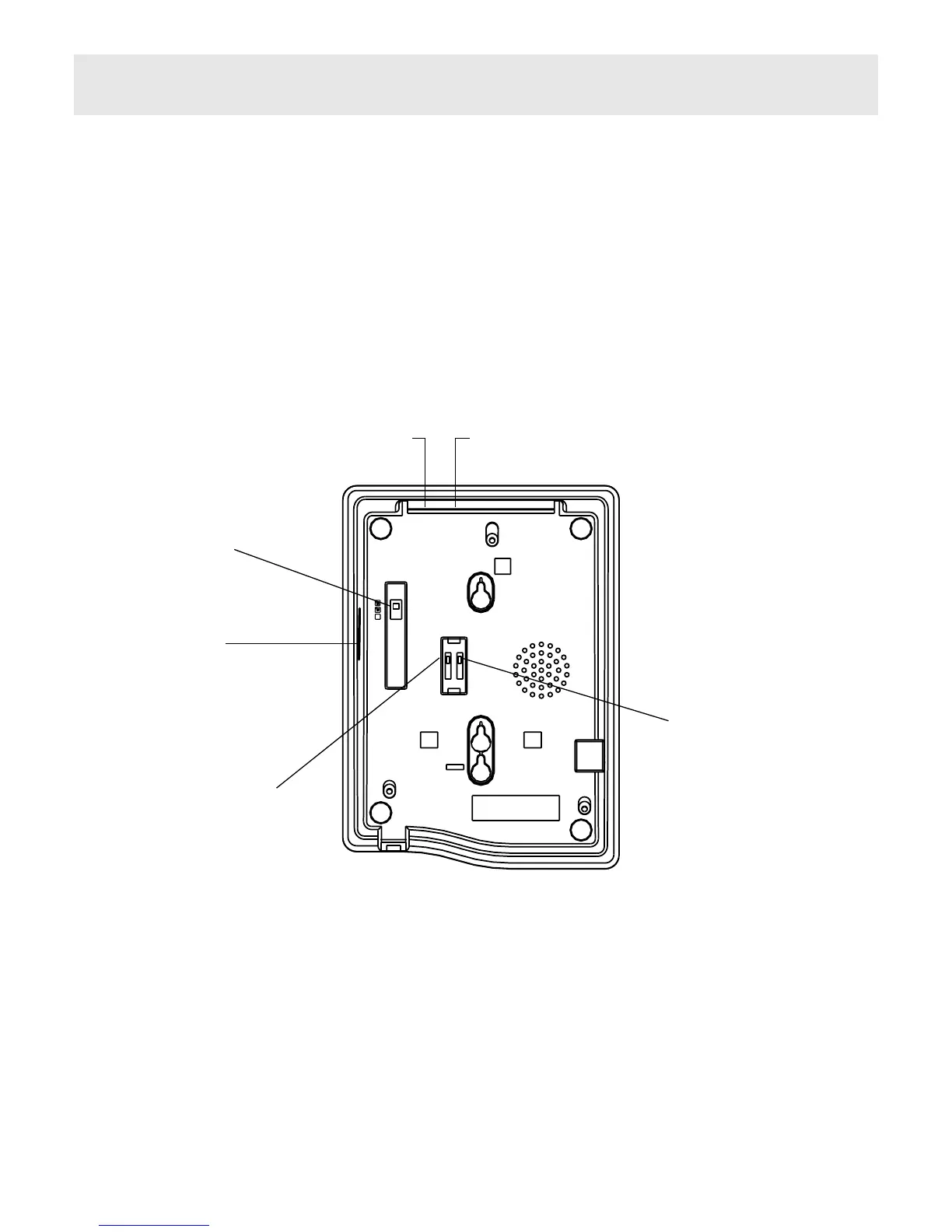
Located on the base of the unit (see Figure 4). Move switch to select no sound
(OFF), muted sound (LOW) or full sound (HIGH) for ringing on incoming call.
Headset Volume Control
Allows the volume of the Headset to be adjusted, in Headset operation. Simply
move the slider switch to give a satisfactory voice level.
Figure 4 Bottom View
RINGER
HI / LOW /
OFF
SWITCH
TIMED BREAK /
EARTH RECALL
SWITCH
VOICE MESSAGING
( N / S2 / S1 ) SWITCH
S1 S2 N
TBR ER
.
.
.
HEADSET
VOLUME
CONTROL
LINE HEADSET



 To Next Page