6
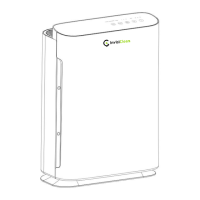
OPERATING THE AIR PURIFIER
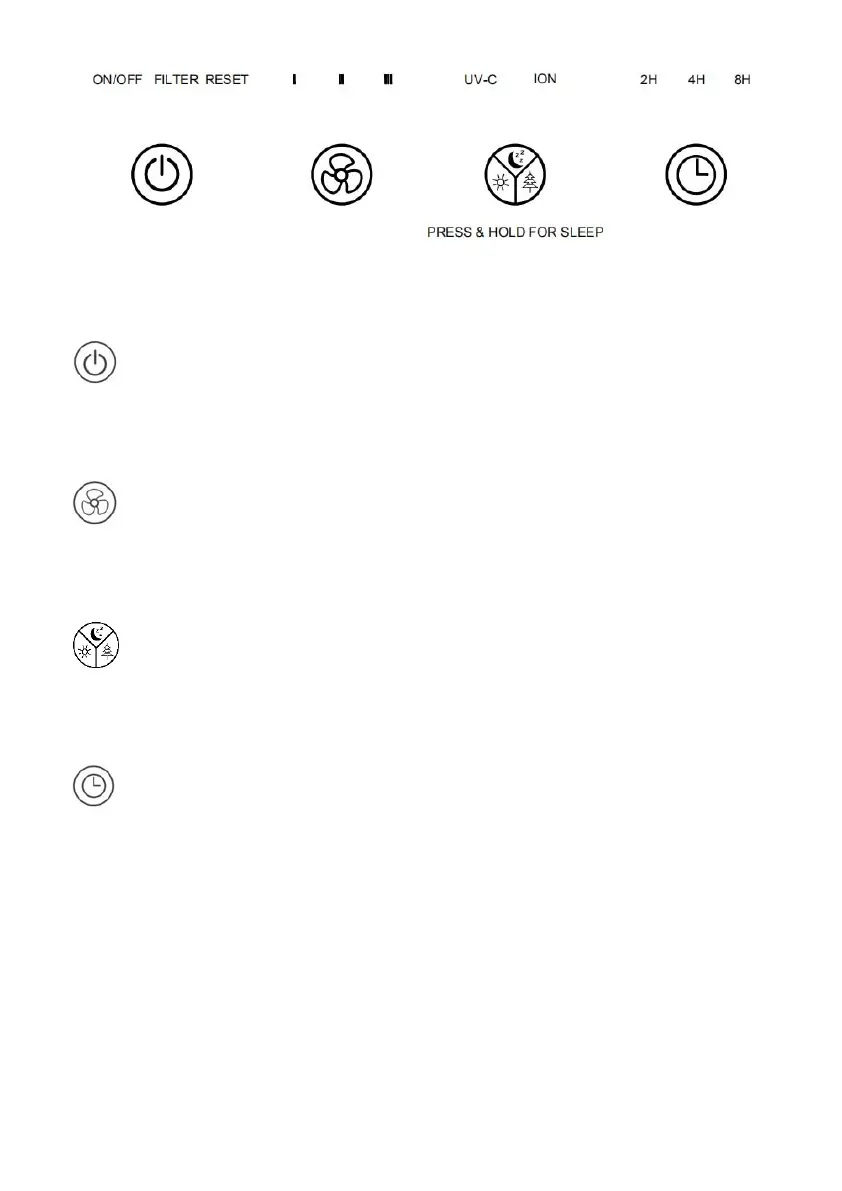
1. “POWER/FILTER RESET” BUTTON:
Touch to turn on/off the air purifier
Note: Press and hold POWER Button for 5 seconds to reset Filter Reset light.
2. “FAN SPEED” BUTTON:
The fan speed of the unit can be adjusted when the unit is in operation: Low(I),
Medium(II), High(III). Each time that you press the (FAN SPEED) button, the
speed adjusts from I (Low) to II (Medium) to III (High).
3. “UV/ION/SLEEP” BUTTON:
Press this button to turn on/off the UV, ION, and SLEEP mode.
Note: Press and hold this button for 5 seconds to turn to SLEEP MODE
4. “TIMER” BUTTON:
By pressing this button, the purifier can be timed to operate for intervals of 2,
4,and 8 hours, stopping automatically when the time has elapsed.
Important note: When the unit is not in use, switch it off and unplug it.


 To Next Page