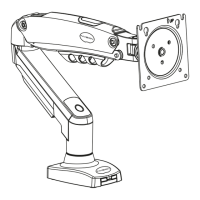
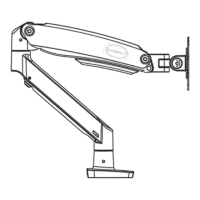
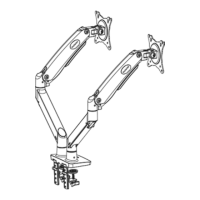
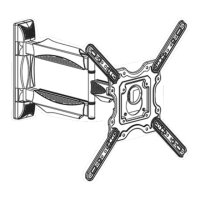
2 - Monitor Arm Assembly
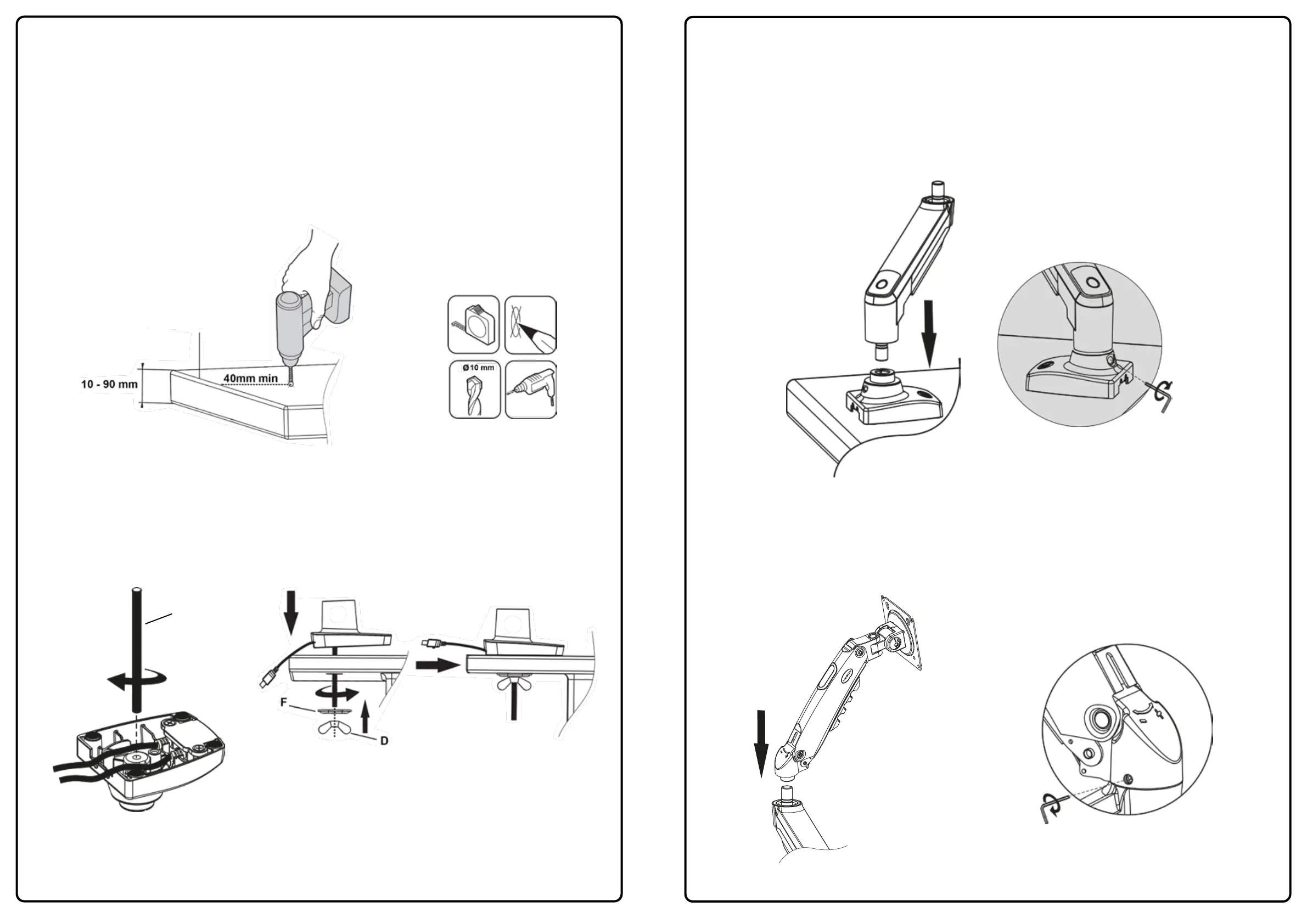
1. Take the lower arm (2) and slot the male connector into the female connection on the monitor base (3)
making sure it is fully inserted (please ensure you have this the correct way up) - see Diagram ‘J’.
Ensure the black plastic sleeves remain in place.
Use the 3mm Allen key (E) and tighten the grub screw to lock the lower arm in place. Do not over tighten
as this will hinder the rotation ability of the arm.
Diagram ‘J’
E (3mm)
2. Take the upper arm (1) and slot the female connector onto the male connection on the lower monitor arm
making sure it is fully inserted - see diagram ‘K’. Use the 3mm Allen key (E) and tighten the grub screw to
lock the upper arm in place.
Diagram ‘K’
4
E (3mm)
3
1b - Through the Desk Installation
1. Locate and position where you want the monitor arm base to sit on your desktop/work surface. 40mm
minimum is needed from the rear of the desk so the monitor arm base makes full contact with the
desktop/work surface - see Diagram ‘G’.
2. Measure and mark out with a pencil where you want the hole and drill the hole using a 10mm drill bit.
Please note: If you are mounting heavy screens on this monitor arm please evaluate what
desktop/work surface you are mounting it to. (Example: Manufactured wooden surfaces like
chipboard or MDF are compressed high density boards and are less likely to cause marks or
indentations. Natural wooden surfaces are softer (not compressed) so you may consider adding
protection.
Diagram ‘G’
Rear of Desk
3. Fix the threaded rod (D) to monitor arm base with 4x full turns - see Diagram ‘H’.
4. Pass the threaded rod through the hole made in the previous step and add clamp plate (F) and butterfly
nut (D) and tighten - see Diagram ‘I’.
Diagram ‘H’
D
Diagram ‘I’


 To Next Page
 Loading...