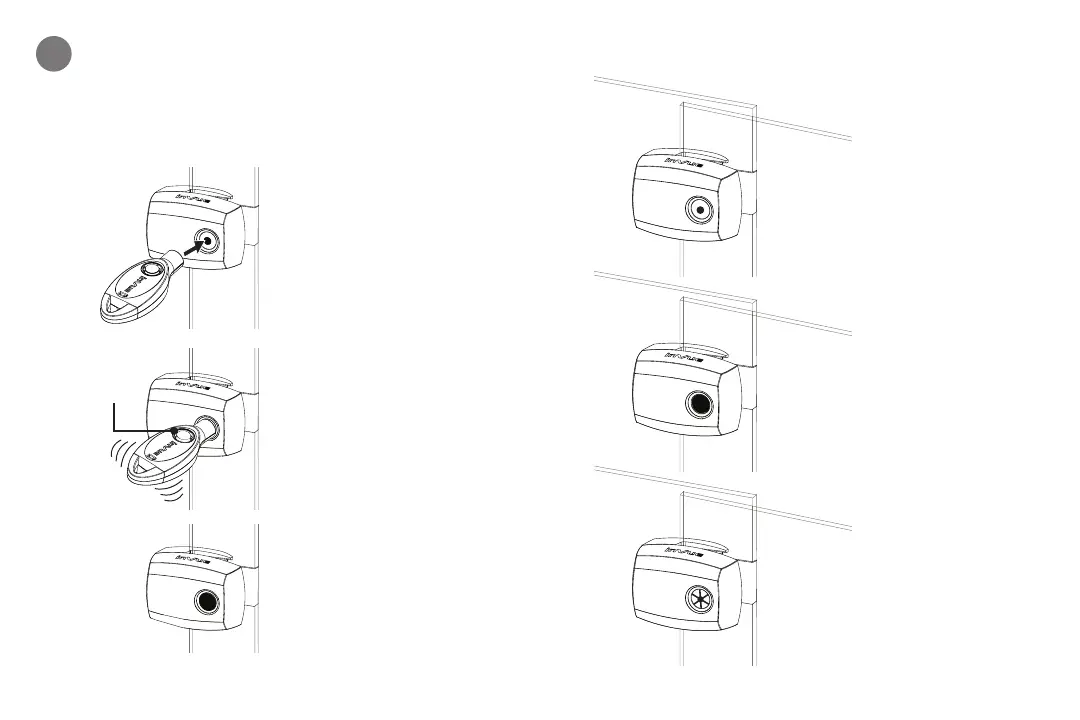
Use panel handle to ensure glass panels are fully
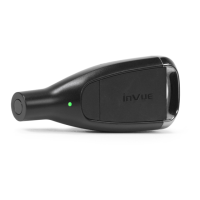
closed. Position IR2 Key* against lock, push button and
wait for “beep” before removing key. Lock and unlock
product several times to ensure proper operation.
10
LOCK STATUS INDICATORS
Locked
Unlocked
Error (not fully locked)
Note: Ensure panels are fully
closed and try again)
“BEEP”
PRESS
HERE
Note: If double “buzz,”
then an error has occurred.
Ensure panels are fully closed
and try again.
*IR2 Key must be charged
and activated. See IR2 Key
instruction guide.
14 15


 To Next Page