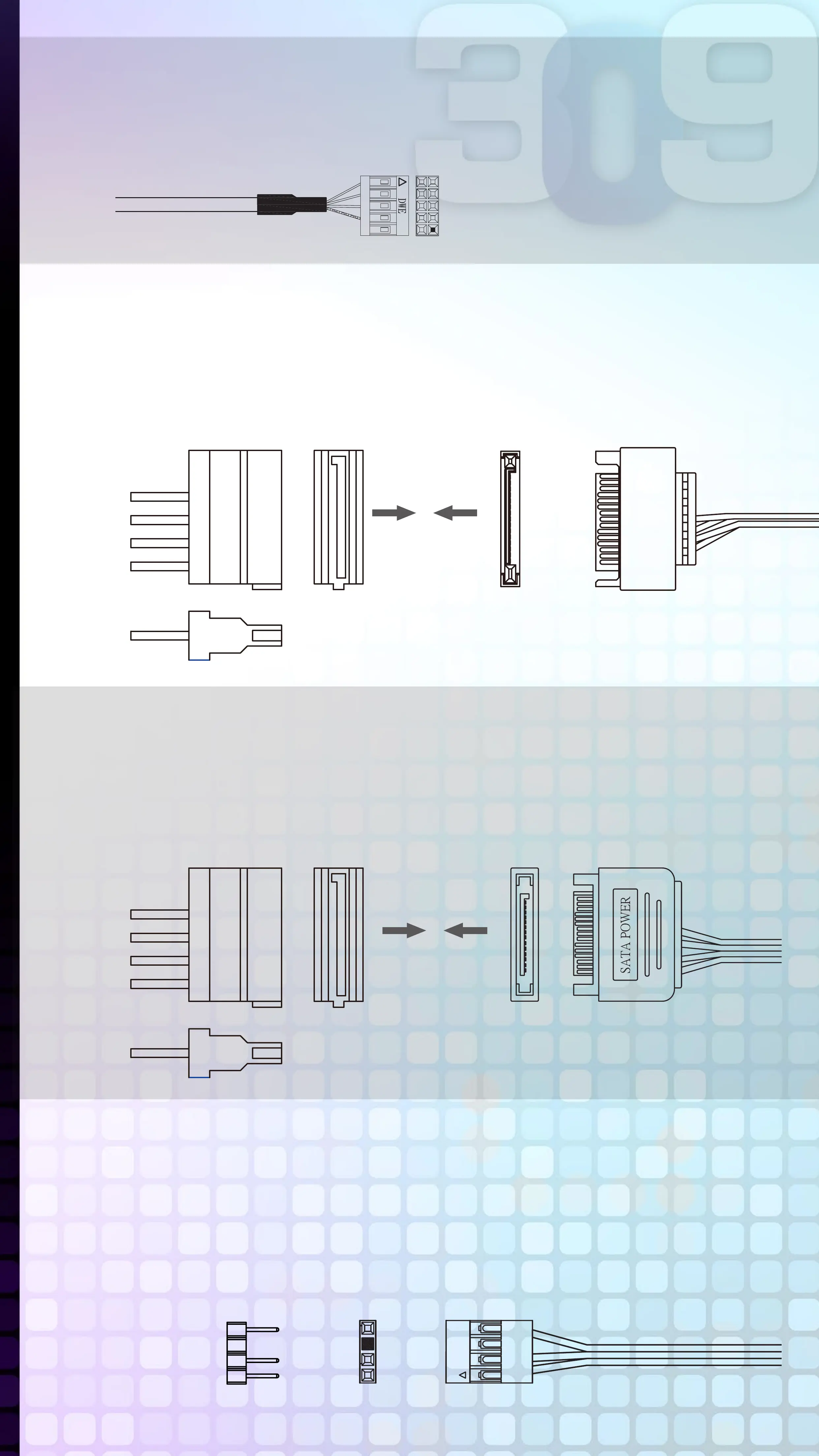
USB Cable
Please plug in USB port on motherboard.
LED Power
Ensure the beveled edge of the PSU connector is properly
aligned with the beveled edge of the LED light connector.
PSU Connector LED Light Connector
Red
Black
GND Black
12V Yellow
Controller Power
Make sure the PSU connector is properly aligned with the
controller connector from edge to edge.
PSU Connector
Red
Black
GND Black
12V Yellow
Controller Connector
Addressable RGB Cable (Optional Installation Steps)
If your motherboard supports the addressable RGB effect,
please follow the directions of the image below and insert
addressable RGB cable into the 3-pin, 5V header directly on
the motherboard.
GND
Key
DATA
+5V
GND
Key
DATA
+5V
MotherBoard
Addressable
Addressable RGB Connector



 To Next Page