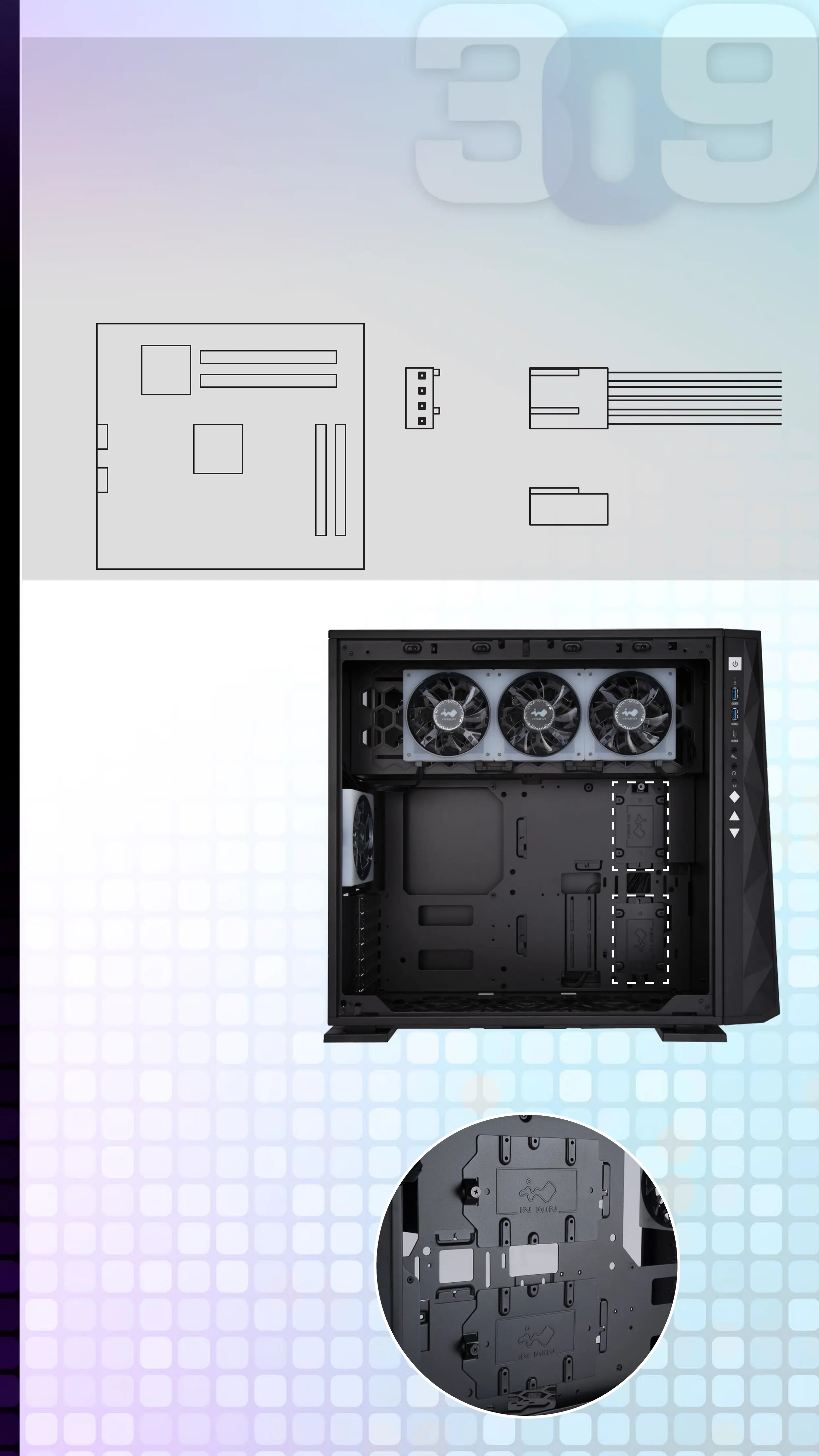
4-Pin Fan Connector (Optional Installation Steps)
Please follow the directions of the image below and insert the
4-pin connector into the fan header directly on the motherboard.
Note: The fans will be controlled by the motherboard when the
connector is installed properly. If you would like to control
the EGO fans via InWin’s exclusive GLOW2 software,
please DO NOT install the fan connector with your
motherboard.
Ground
+12V
Tach
PWM
Fan
4-Pin Fan Connector
Motherboard
7
2.5” Drive Bays
Installation
Parts Required:
2.5” HDD Screws
8
3.5” Drive Bays
Installation
Parts Required:
3.5” HDD Screws



 To Next Page