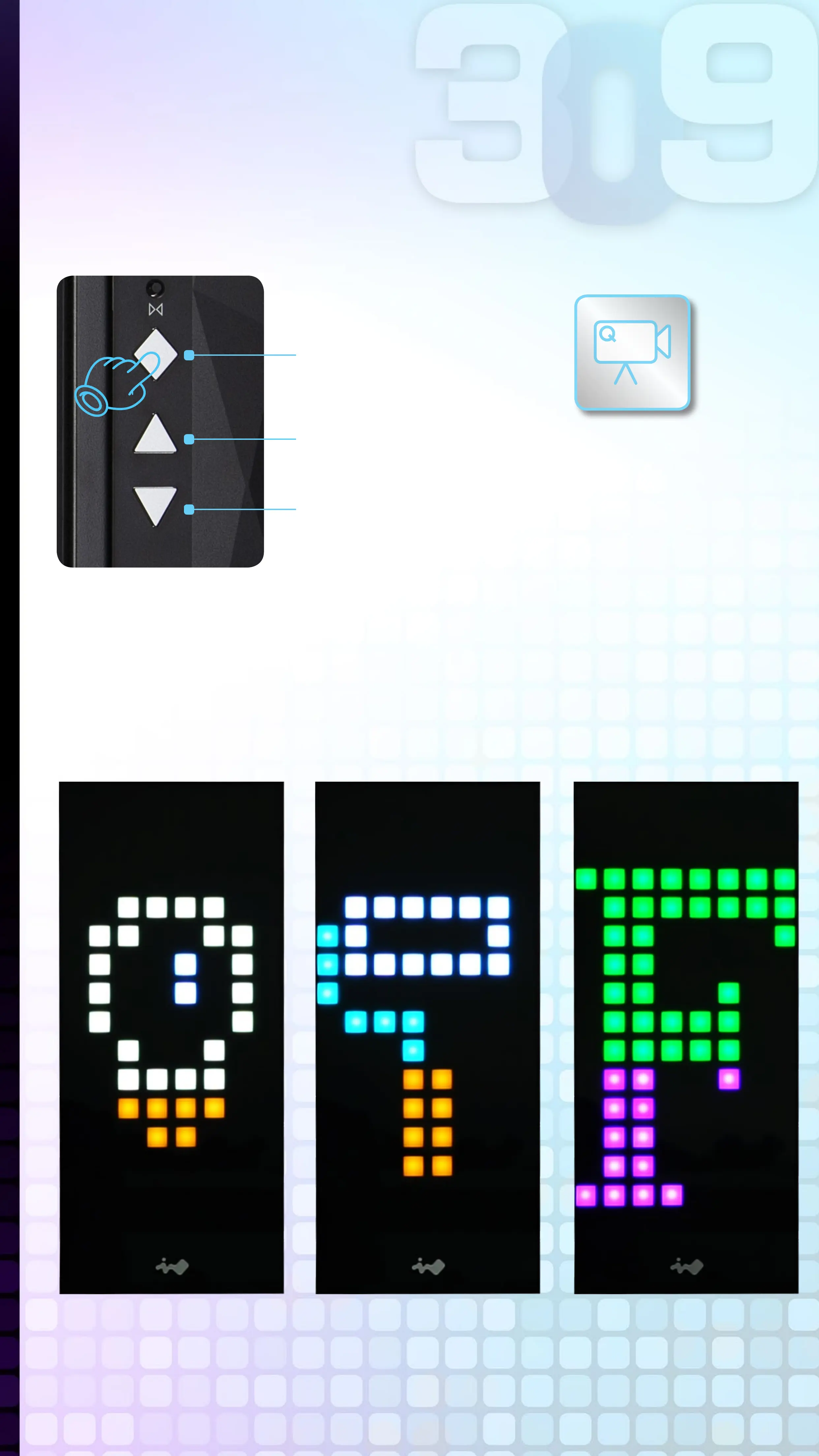
Control Mode
button
+
-
Control Buttons Descriptions
The LEDs and fans can be controlled by pressing the control
buttons on the I/O panel or controlled by GLOW2 software.
LED Lighting
Effects
Fan SpeedLED Brightness
Control Buttons Instructions
Button Presses:
0 (Default)
Button Presses:
1
Button Presses:
2
For more detailed
instructions, please
watch the video at this
website link
Please follow the button sequence below to adjust LED
brightness, lighting effects and fan speed.
LED & Fan Control Buttons
Instructions
Note: The control mode rotate to the LED Brightness
Mode if you press the Control Mode button three times.



 To Next Page