VHD Guide
VHD file create
VHD file mount
● The Iodd Mini can use VHD files to use the Virtual Drive (HDD)
and Virtual USB Memory Stick (RMD)
● Download the [VHD Tool]
ftp://iodd.kr/open/vhd_tools/
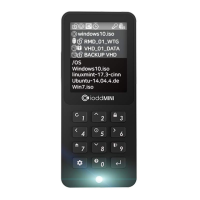
● Press the key to mount the VHD file.
The created VHD file is recognized as 'uninitialized drive'
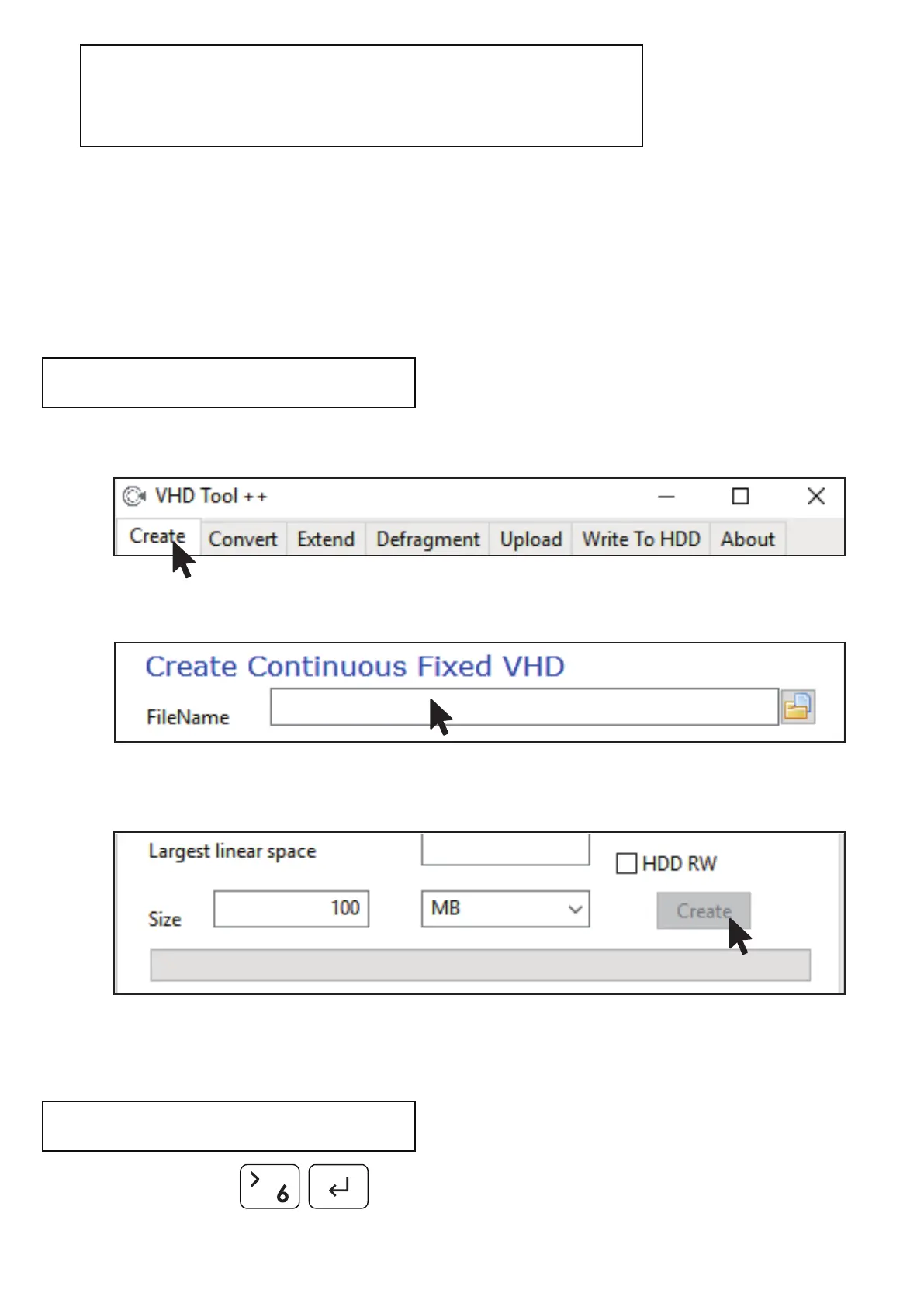
● Select the [Create] tab of the VHD Tool.
● Specify the location and file name of the mini in [File name].
● Enter the size of the VHD file to be created in [Size].
!!! Must be smaller than or equal to the size of [Biggest linear Space].
● Click the [Create] to create the VHD file in the selected path.
ioddmini.vhd
5120410


 To Next Page