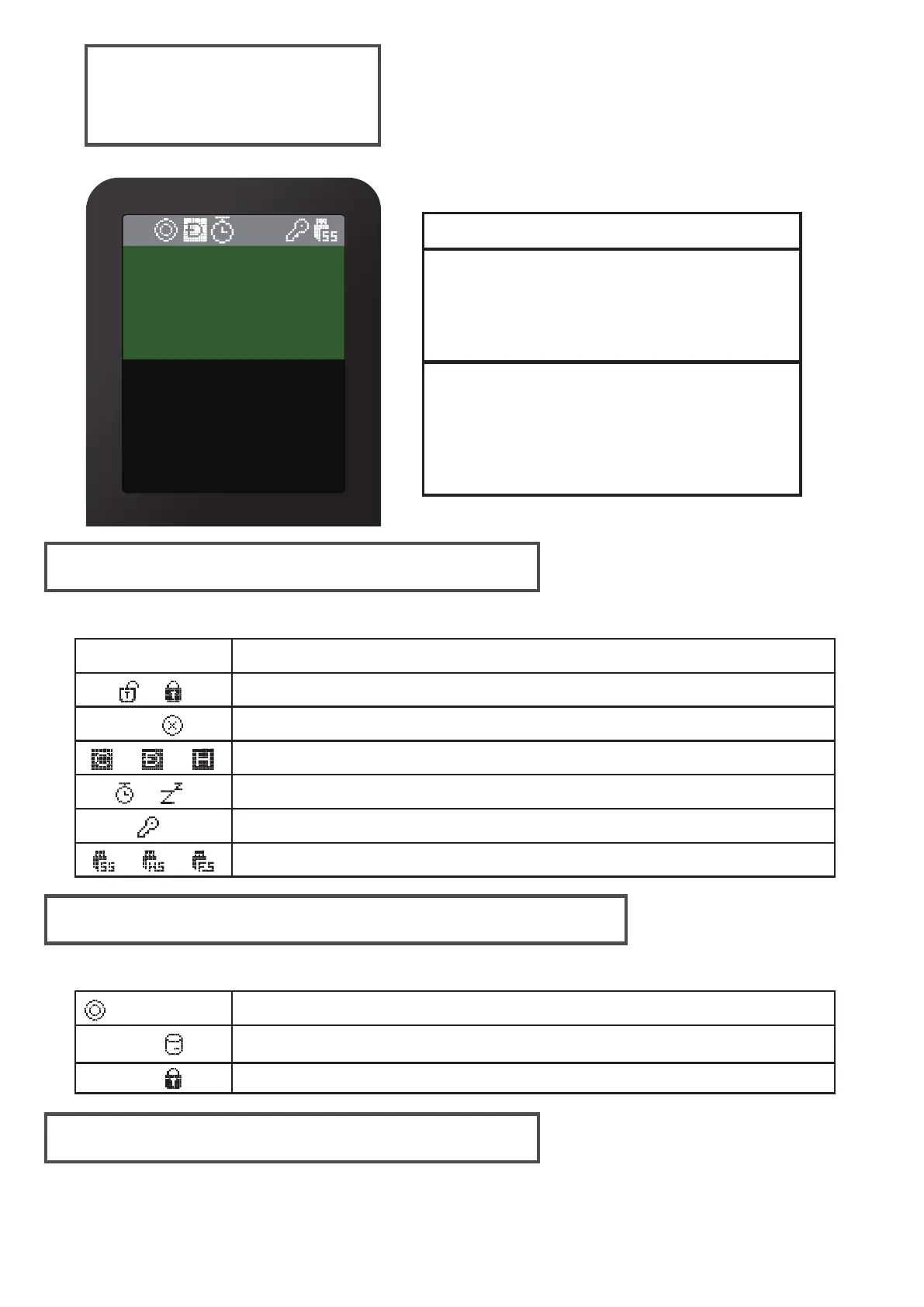
MAIN UI
Status bar area
Virtual Drives Information Area
File list area
Status of the device
icon
Description
Status bar area
Virtual Drives Information Area
File list area
Inform active ISO / VHD / RMD and settings.
● List folders and available files in the selected directory
● if you want another partition, press and hold the 4 button
for 3 seconds. [Partition Selection Mode] is appears.
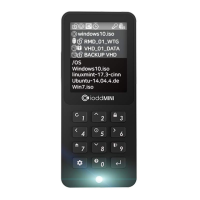
windows10.iso
VHD_01_DATA
BACKUP VHD
OS
UTIL
Photobook.iso
linuxmint-17.3-cinn
Ubuntu-14.04.4.de
RMD_01_WTG
Whole write-protection on / off status/
Mount / unmount status of the ISO file
Mode status (CD / DUAL / HDD)//
Power status (timer / sleep mode)
/
AES256 encryption On
USB connection speed (3.0 / 2.0 / 1.1)//
Inform write protection on / off status (VHD/RMD)
Inform mounted file name (ISO/VHD/RMD)filename.iso
Inform status of the virtual drive (removable / fixed)


 To Next Page