Operation
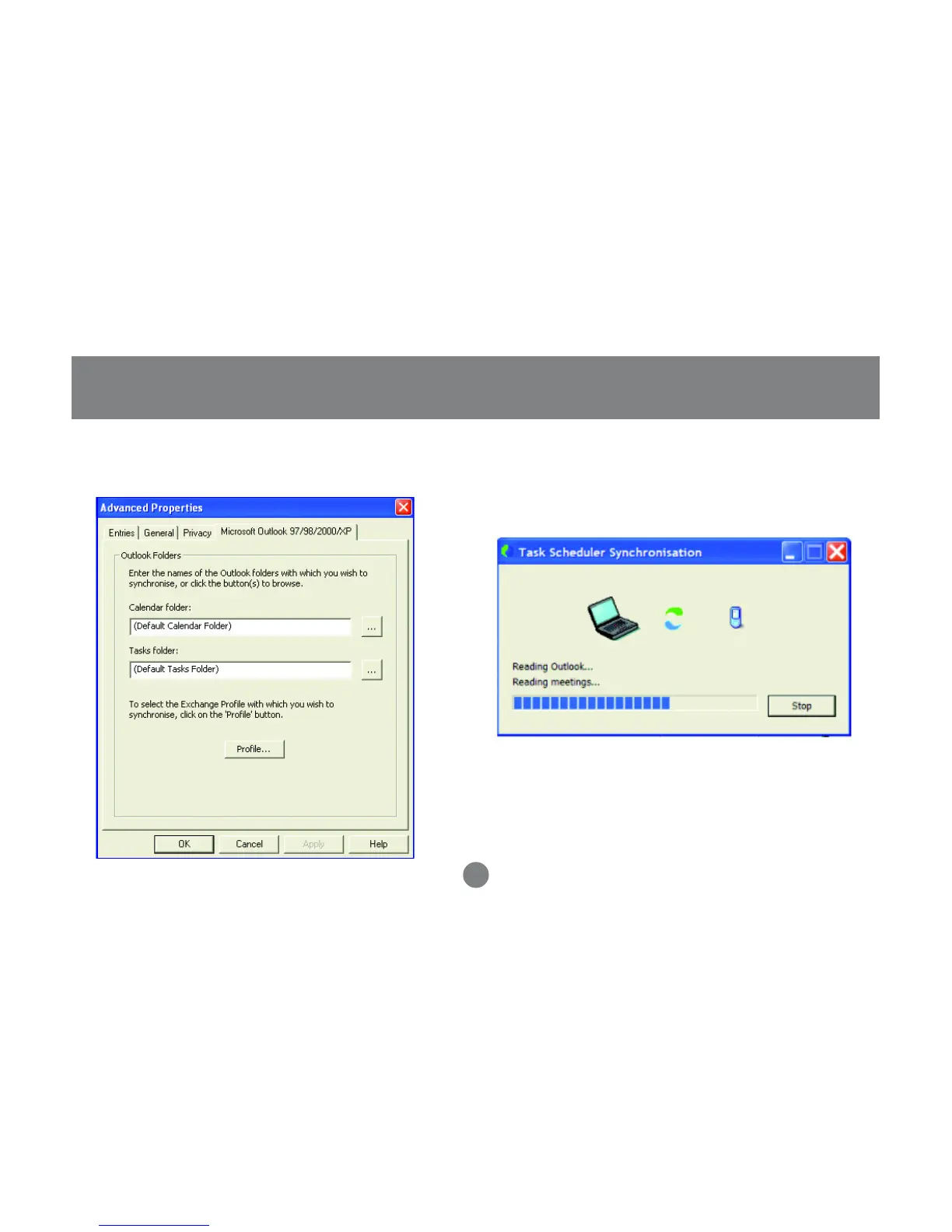
On the Entries tab, you can specify the
information to synchronize and the date range
6. When you are done making your changes, click
OK to proceed, and your selected tasks will be
performed. Your PC and cell phone calendar/
contact information will now be synchronized.
7.
Note: If you get any errors, you may not have your
application (ex: Outlook) setup correctly. Please double-
check all your selections and try again.
29



 To Next Page