Operation
File Transfer
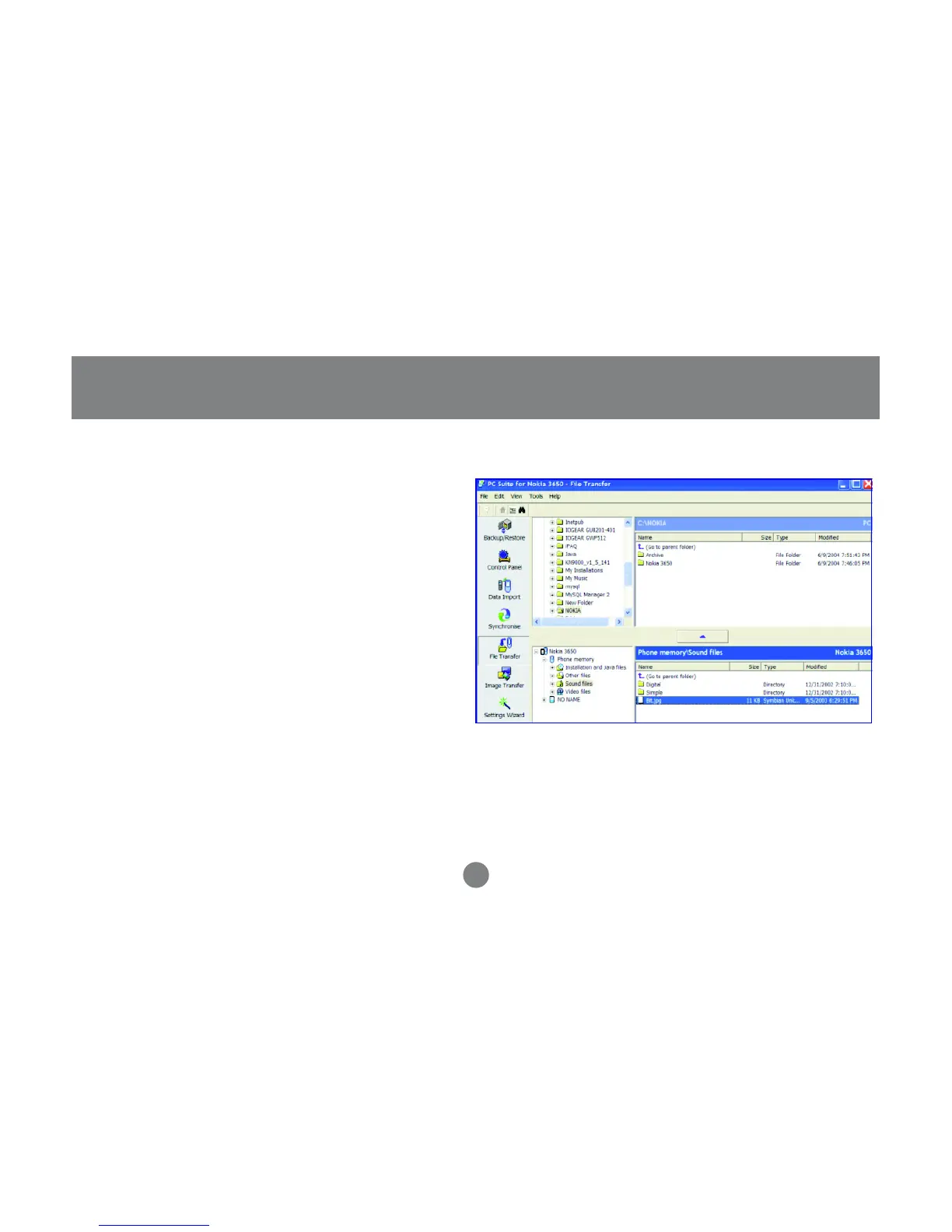
With file transfer, you can transfer files between your
phone and computer. Normally files stored on your
PC are much larger than what your cell phone’s
memory is capable of storing. Therefore, some file
types (such as video, audio, pictures) are automati-
cally converted/compressed when transferring from
your PC to your phone.
To transfer a file, simply select the file and then click
the button in the middle as shown below.
30



 To Next Page