Operation
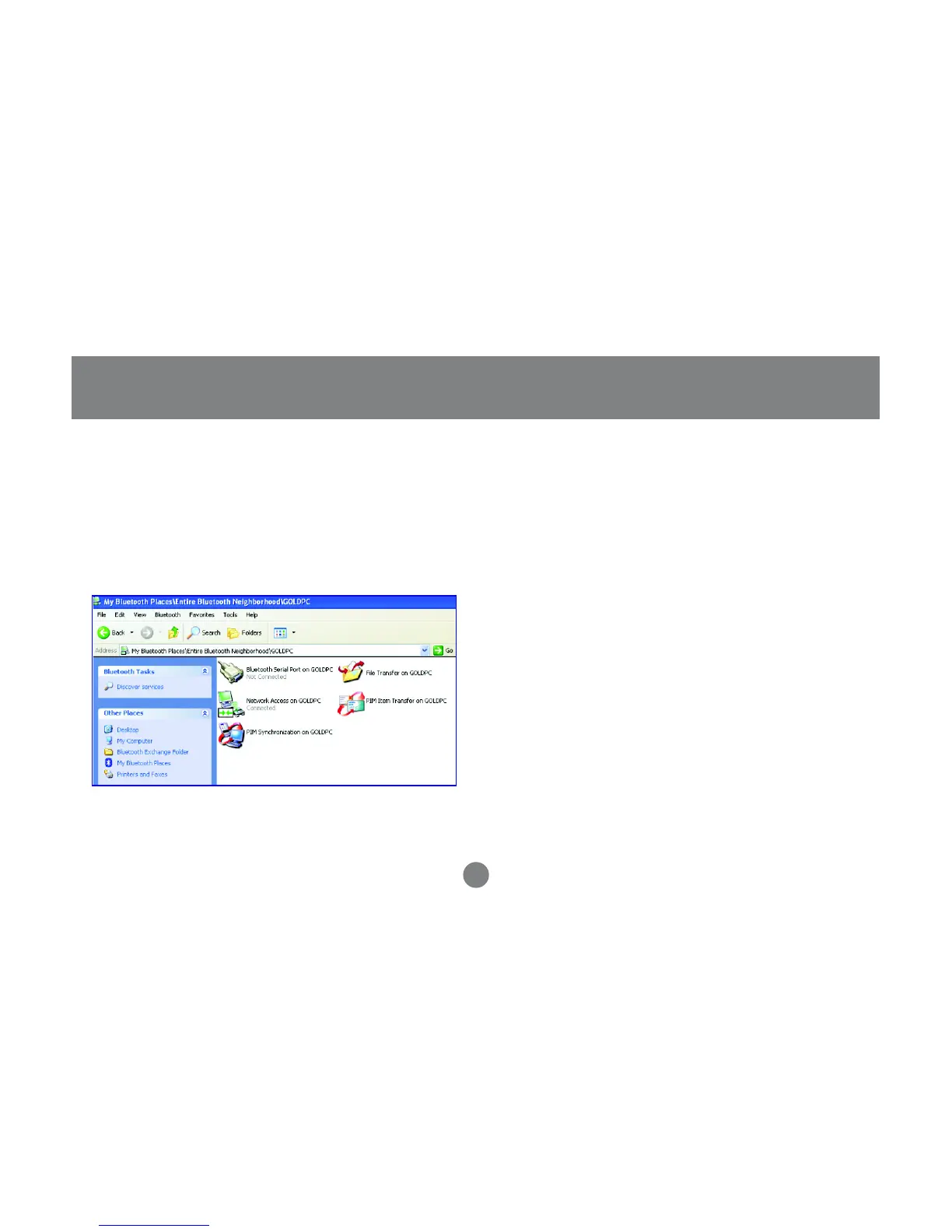
Once you establish the connection, the Network
Access icon will turn green and say “Connected.”
Your device will be able to share its Internet
connection (if the device has Internet access) and
files. If a pass key has been set by either device, the
pass key is required to connect both Bluetooth™
enabled devices.
5. At any time, when service requests are made from
or to another Bluetooth™ device (e.g. File Transfer,
Network Access, Serial Port Connection, etc.), a
pass key is required to connect the devices. This
authentication is not required once devices are
paired (see
Chapter: What’s Pairing?
).
6.
34



 To Next Page