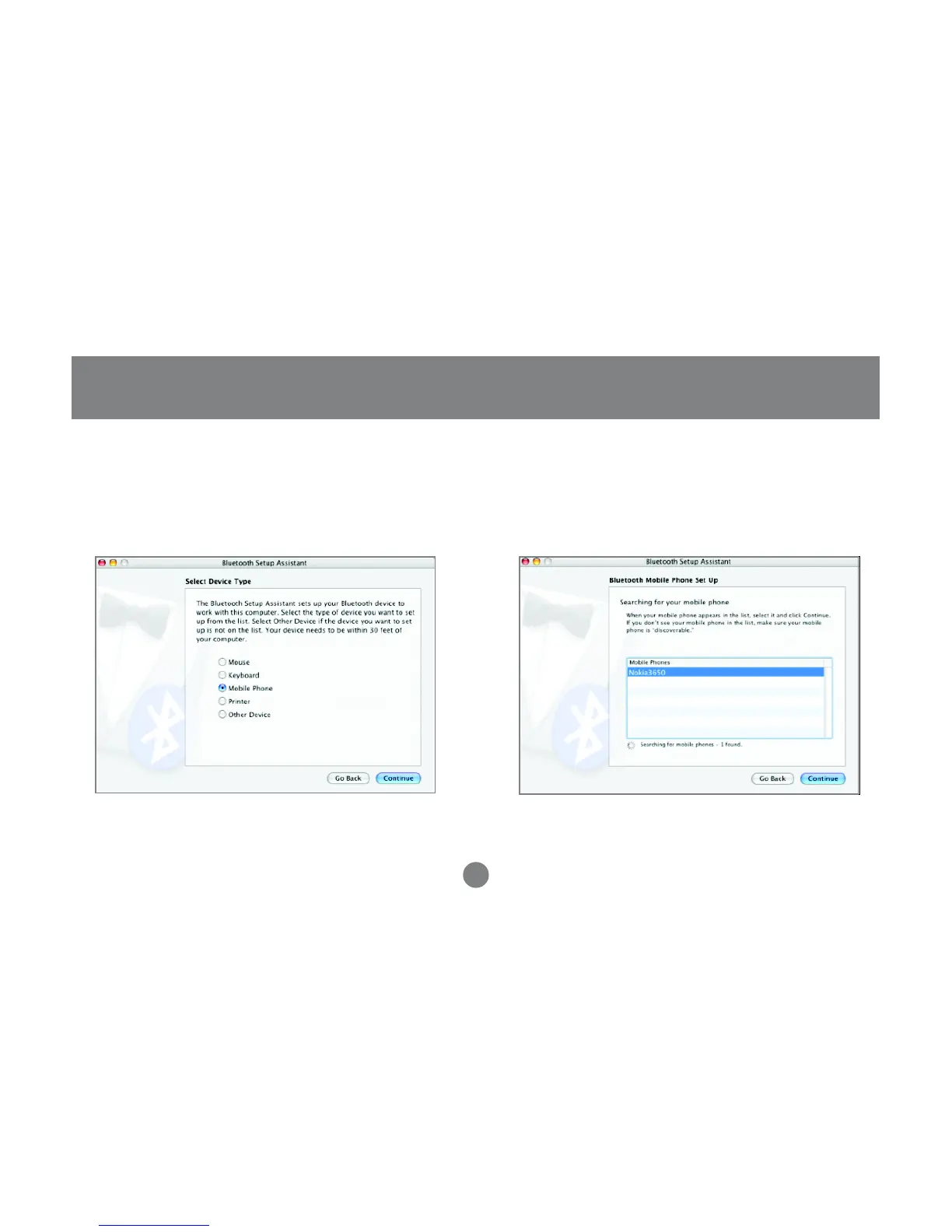
7. On the next window, select the type of device
you want to configure. In this case, we want to
configure a Mobile Phone.
8. Once the system is done searching, it will display
a list of all the Bluetooth phones available.
Select the desired phone, and click Continue to
proceed.
Operation
43



 To Next Page