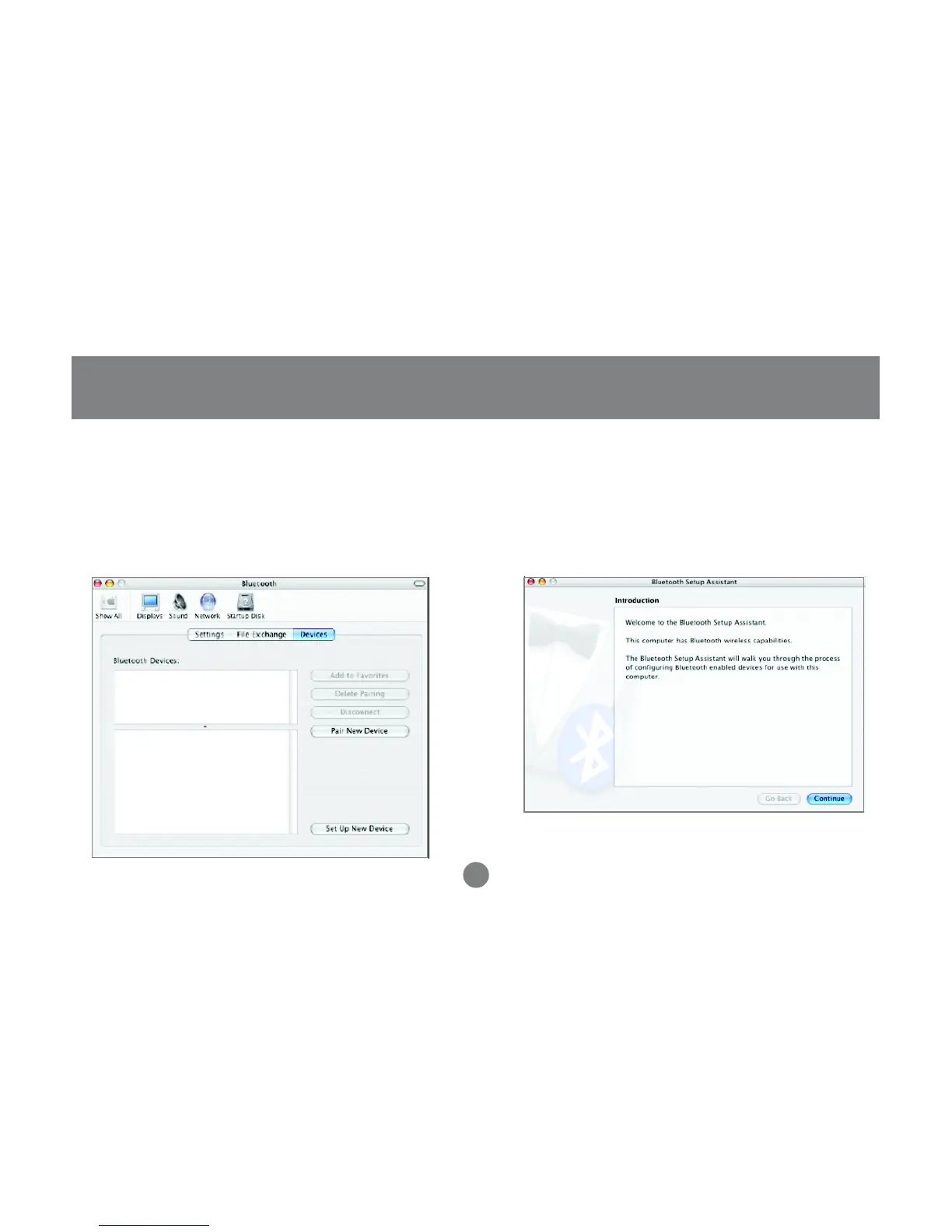
5. On the devices tab, you may pair with your
Bluetooth device(s) or search for other Bluetooth
devices available to you. In this example, we will
connect to a Bluetooth cell phone. The
procedure for other Bluetooth devices is similar.
Simply follow the Bluetooth setup assistant.
6. To proceed with the detection of your Bluetooth
phone, click on Continue.
Operation
42



 To Next Page