Installation-Windows
8
Windows XP Service Pack 2
The Microsoft Bluetooth stack comes included with
Service Pack 2 for Windows XP. If you already
have Service Pack 2 installed, you may choose not
to install drivers from the installation CD and
instead use the Microsoft Bluetooth drivers. Please
see Page 34 on the manual for more details.
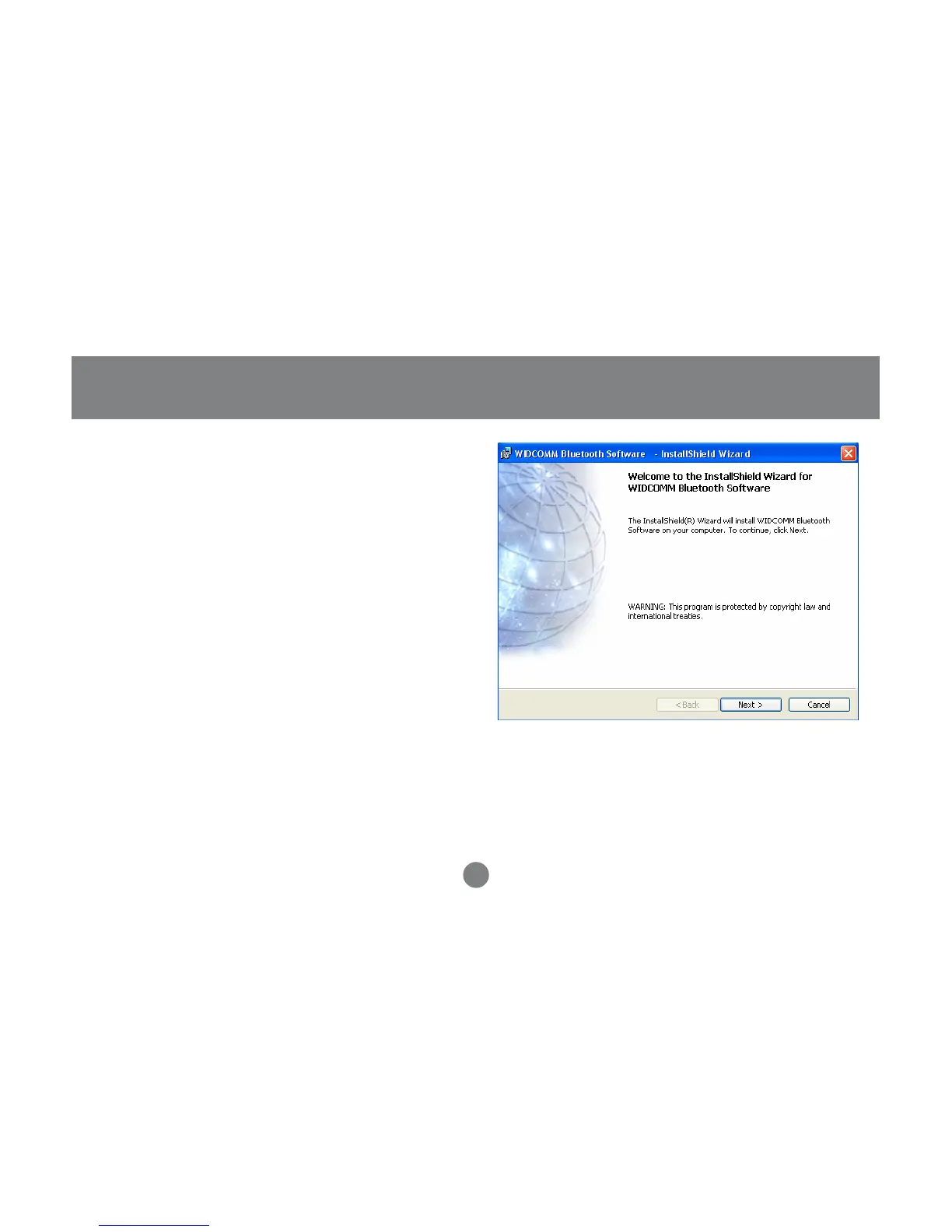
1. Make sure that the IOGEAR Bluetooth adapter
is NOT plugged into the computer before
installing the software. Insert the IOGEAR
installation CD into your CD-ROM drive. The
auto-start feature will bring up the installation
window to begin the driver installation. If the
installation CD does not auto-start, simply
browse to your CD drive and run the setup file.
Please follow the on-screen instructions to
install the drivers.



 To Next Page