Installation-Mac OS X
Installation – MAC OS X
1. Use of the IOGEAR Bluetooth adapter requires
MAC OS X v10.3.9 or later. There is no need
to install any additional drivers, as Apple
provides all required Bluetooth drivers under
MAC OS X v10.3.9.
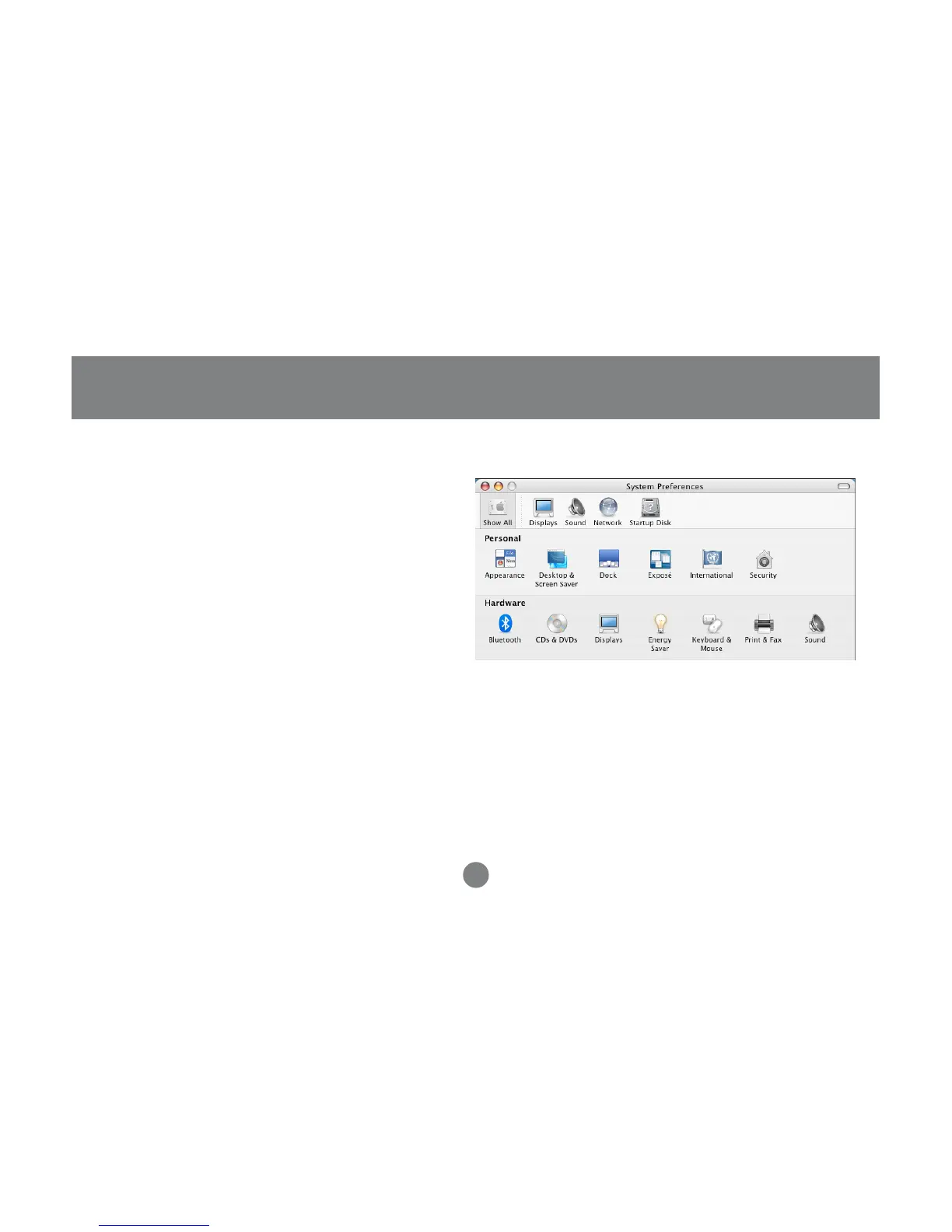
Simply plug in your Bluetooth adapter into an available USB port on your computer, and go to
System Preferences.
17



 To Next Page