4 5
Package Contents
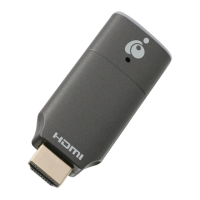
1 x Bluetooth
®
4.0 USB Micro Adapter
1 x Quick Start Guide
1 x Warranty Card
Prior to installing the adapter to your computer, please download
and install the driver for GBU521 Bluetooth Adapter from
https://www.iogear.com/support/dm/driver/GBU521
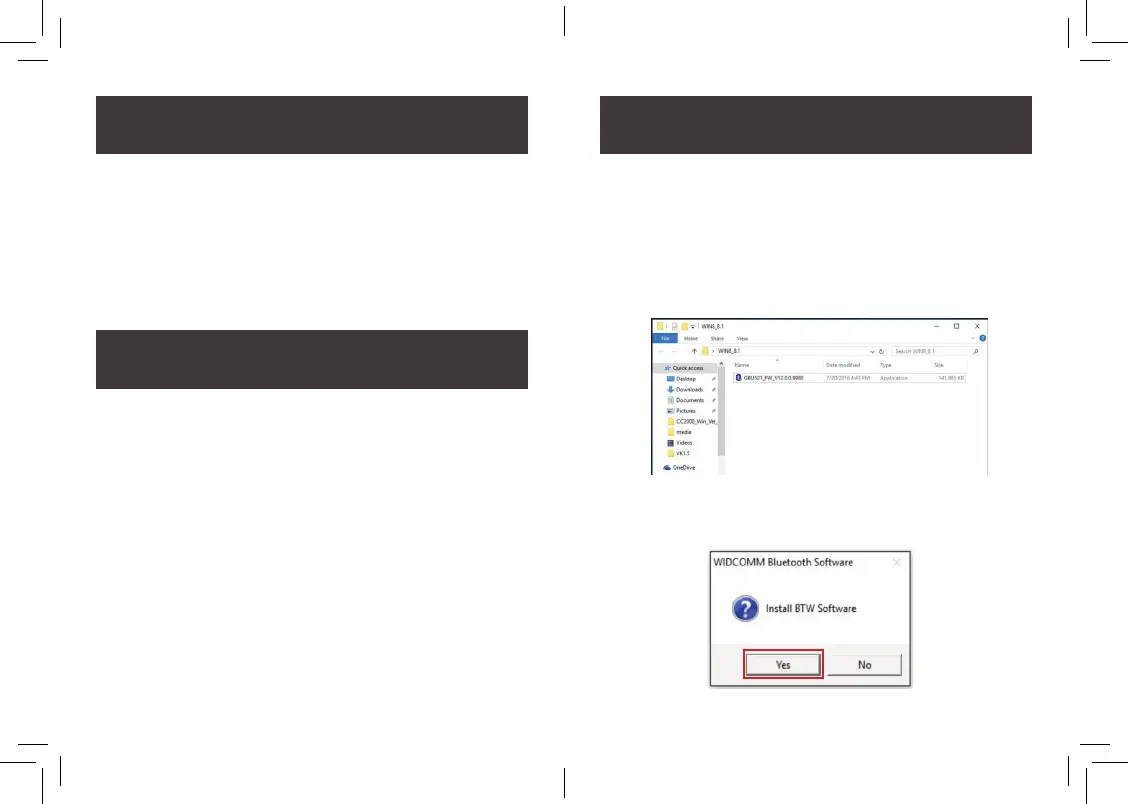
2. Click Yes to continue installation program.
1. Make sure that the IOGEAR Bluetooth adapter is NOT
plugged into the computer before installing the software.
- Insert the CD or download the software driver from the
IOGEAR website.
- For downloaded driver, please unzip the le into a folder
on your computer.
- Double click on the application le to initiate the
installation process.
• Available USB-A port
• Windows
®
7, Windows
®
8.1, Windows
®
10
System Requirements
Installation-Windows



 To Next Page