6 7
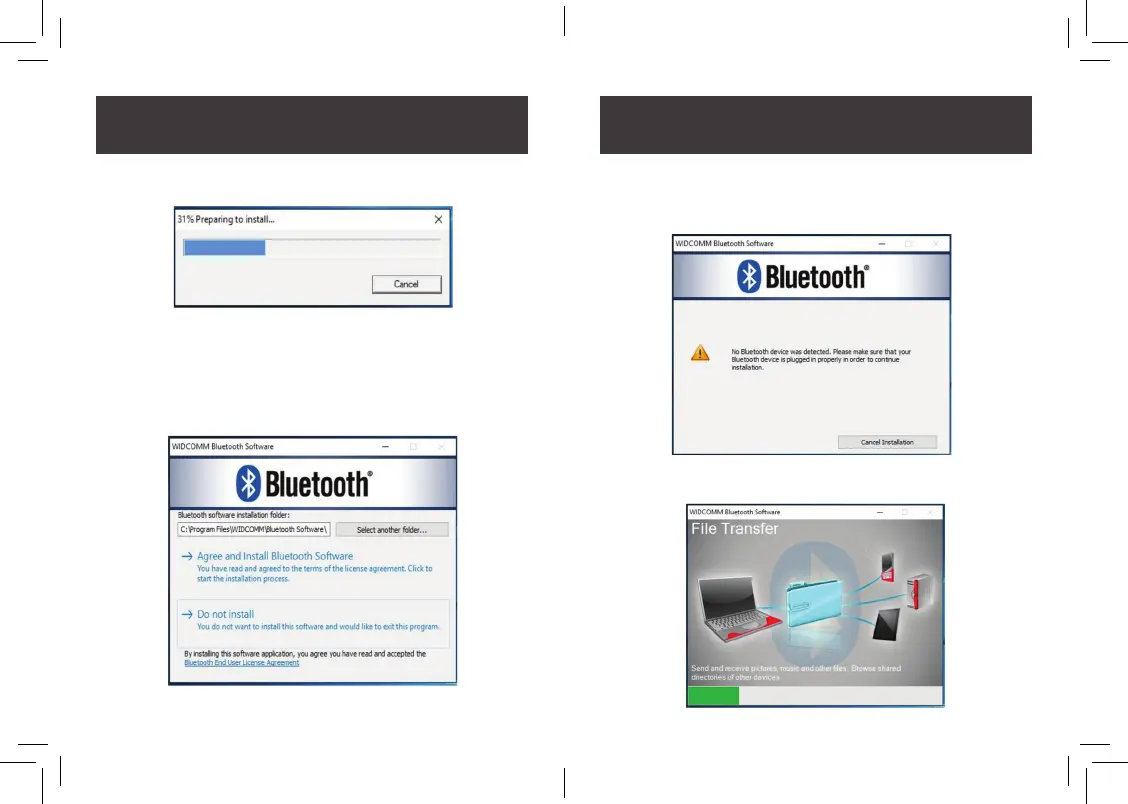
3. Please allow the preparation to load until 100%
4. Select Agree and Install Bluetooth Software if you are OK
with default installation folder location on your computer.
5. When you encounter the message of “No Bluetooth device
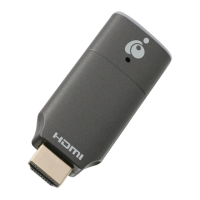
was detected” please go ahead and plug the GBU521 into
your USB port on the computer to continue.
6. The installation will continue until it reaches 100%.



 To Next Page