Hardware Installation
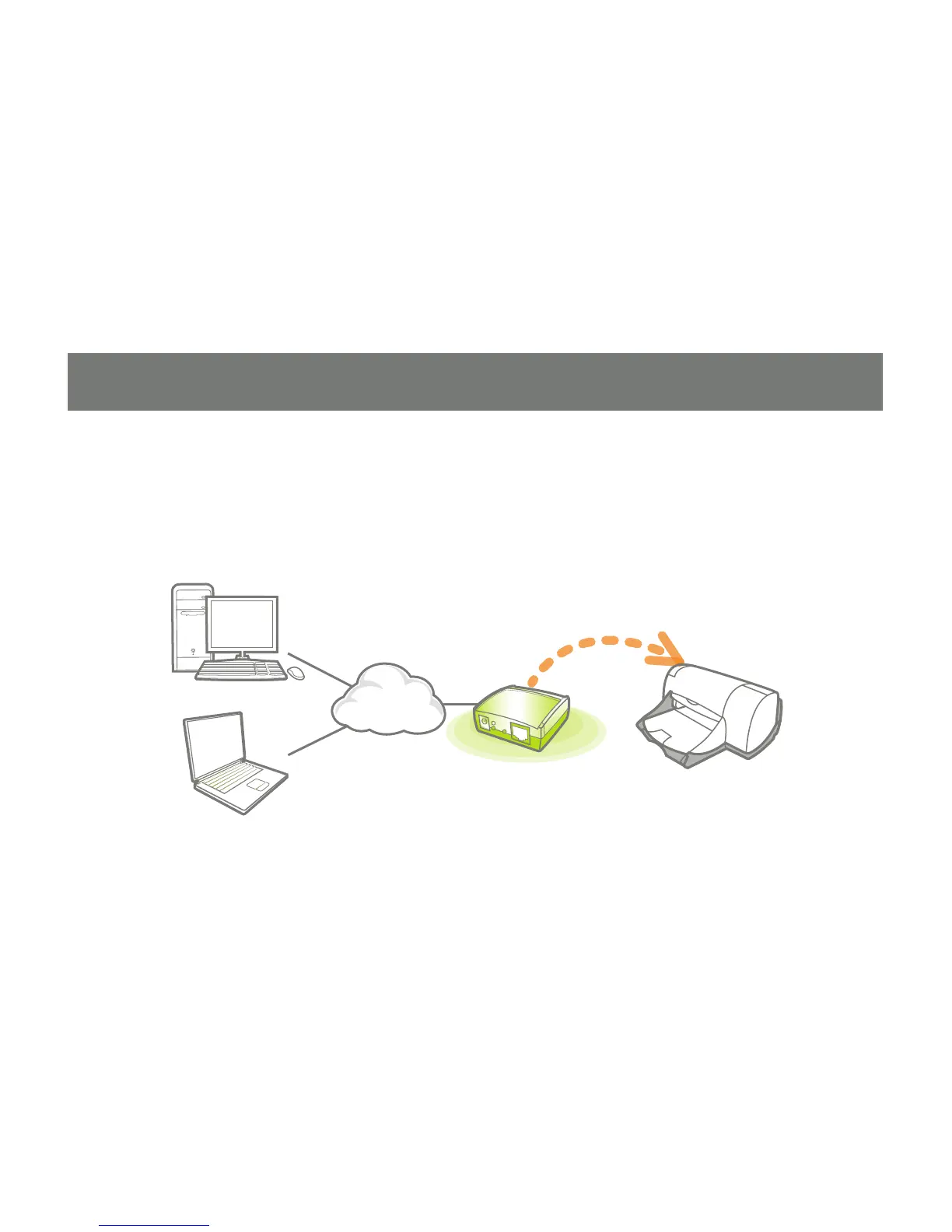
Connect a USB cable from the printer to the 1.
USB port on the print server.
Connect one end of the ethernet patch cable 2.
to the ethernet port on the print server.
Connect the other end of the ethernet cable 3.
to the network. It can be plugged into a
router, ethernet switch/hub, or bridge.
Connect the Power adapter to the print 4.
server.


 To Next Page