9
Software Installation – Windows XP
Important Note: Please make sure your
printer driver is properly installed on your
system before installing the software for
print server.
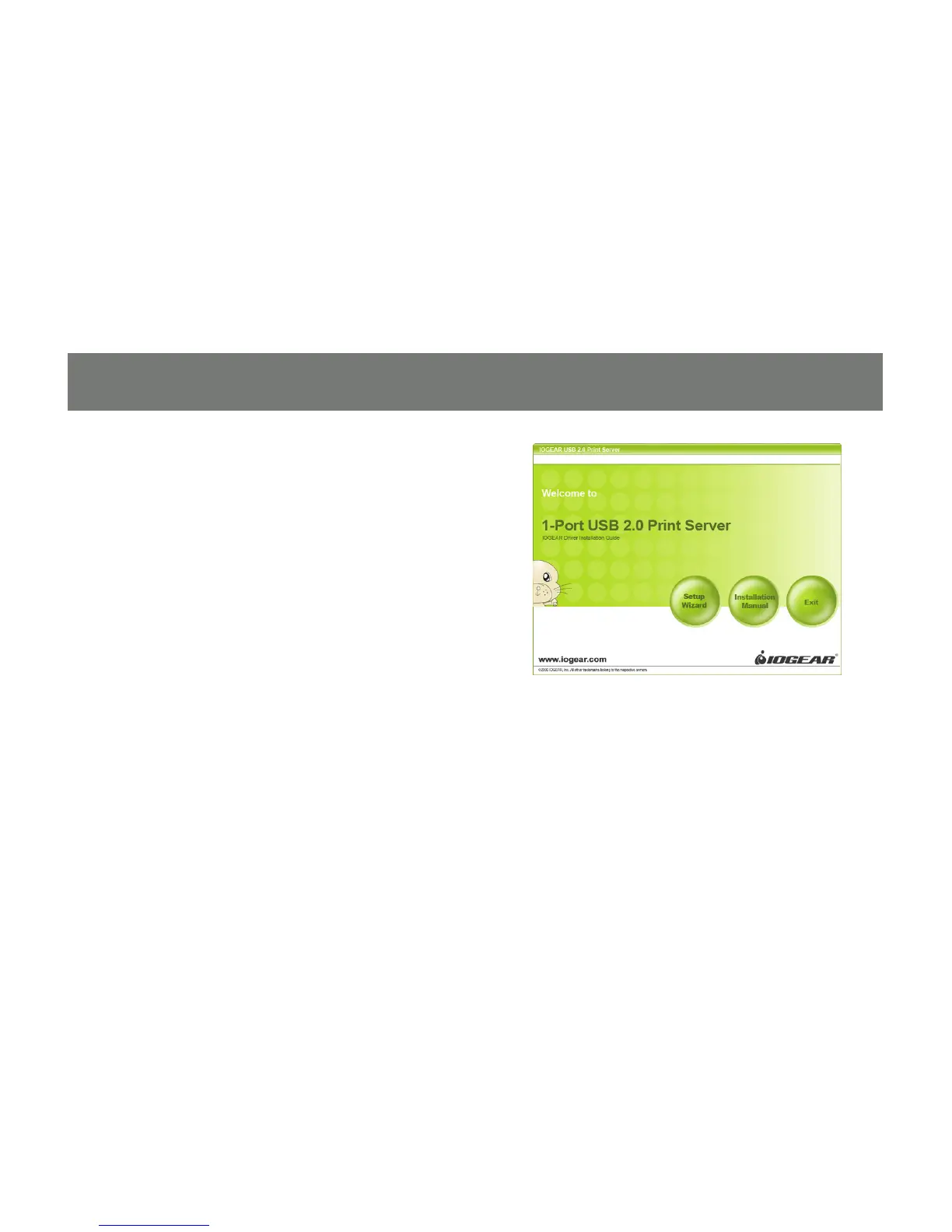
Insert the installation CD into the CD-ROM of 1.
your computer. The setup utility will launch
automatically. If it does not, browse to your
CD drive and launch the autorun.exe le from
the CD. Click the Setup Wizard option from
the main menu.


 To Next Page