| top of page |
5. Restart your computer.
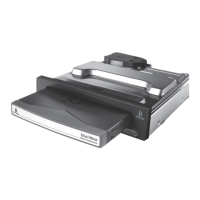
6. Be sure you have inserted a Peerless disk into the USB Peerless base station.
Windows PC Users:
You will see the Peerless icon in My Computer or Windows Explorer.
Mac OS Users:
When you insert a Peerless disk, a Peerless icon will appear on your Mac Desktop.
If the appropriate icon does not appear, refer to the section Troubleshooting for USB Drives or see the
Iomega Web Support Site at www.iomega.com/support.
Congratulations!
l
For information on operating your new Peerless drive system, refer to Using Your Peerless Drive.
l
For general information and tips about USB devices, refer to the USB Guidelines section.
l
If you encounter problems installing or using the Peerless drive system, refer to the Troubleshooting
section.










 To Next Page