www.naturalchoicewater.com
Step 2: Connect the Electrical:
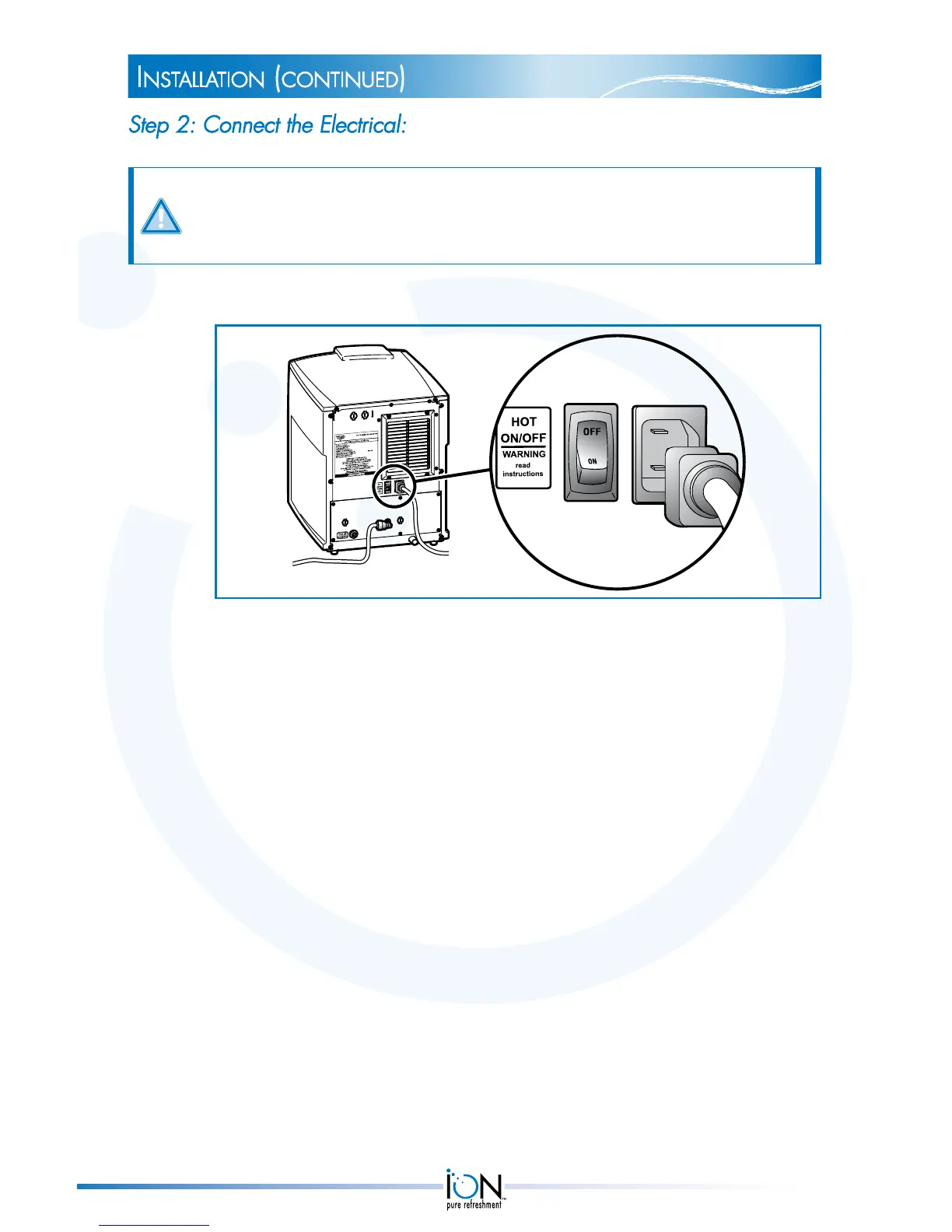
WARNING: The hot water switch on the back of the ION must be in OFF
position. Turning it ON before the hot water tank is filled with water could result in
permanent damage to the ION.
1. Connect the female end of the power supply cord to the back of the ION.
2. Plug the other end of the power supply cord into a grounded, GFI 120
VAC electrical outlet.
instaLLation (continued)
12


 To Next Page